
Operator guides
The screens movers and crew leads use on their phones: your jobs, your report card and your quizzes.
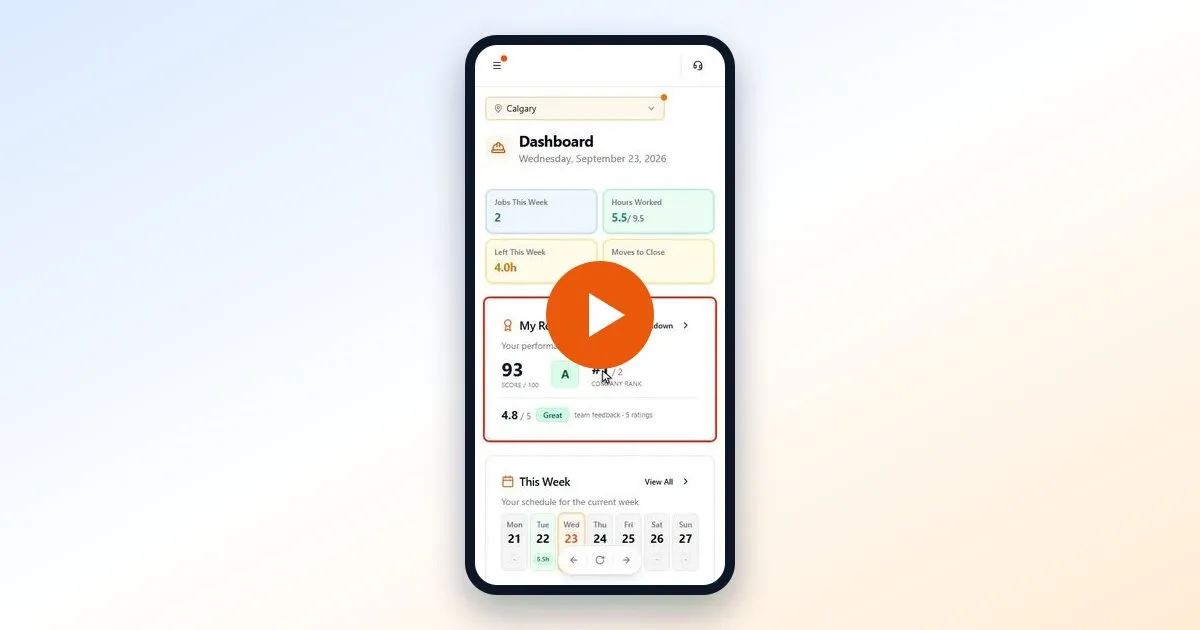 ▶ Video · 3:54
My Report Card
How your MovePlnr score, grade and rank work, the five things that count, and how to answer a quiz. For movers and crew leads, with a 4-minute video.
Watch and read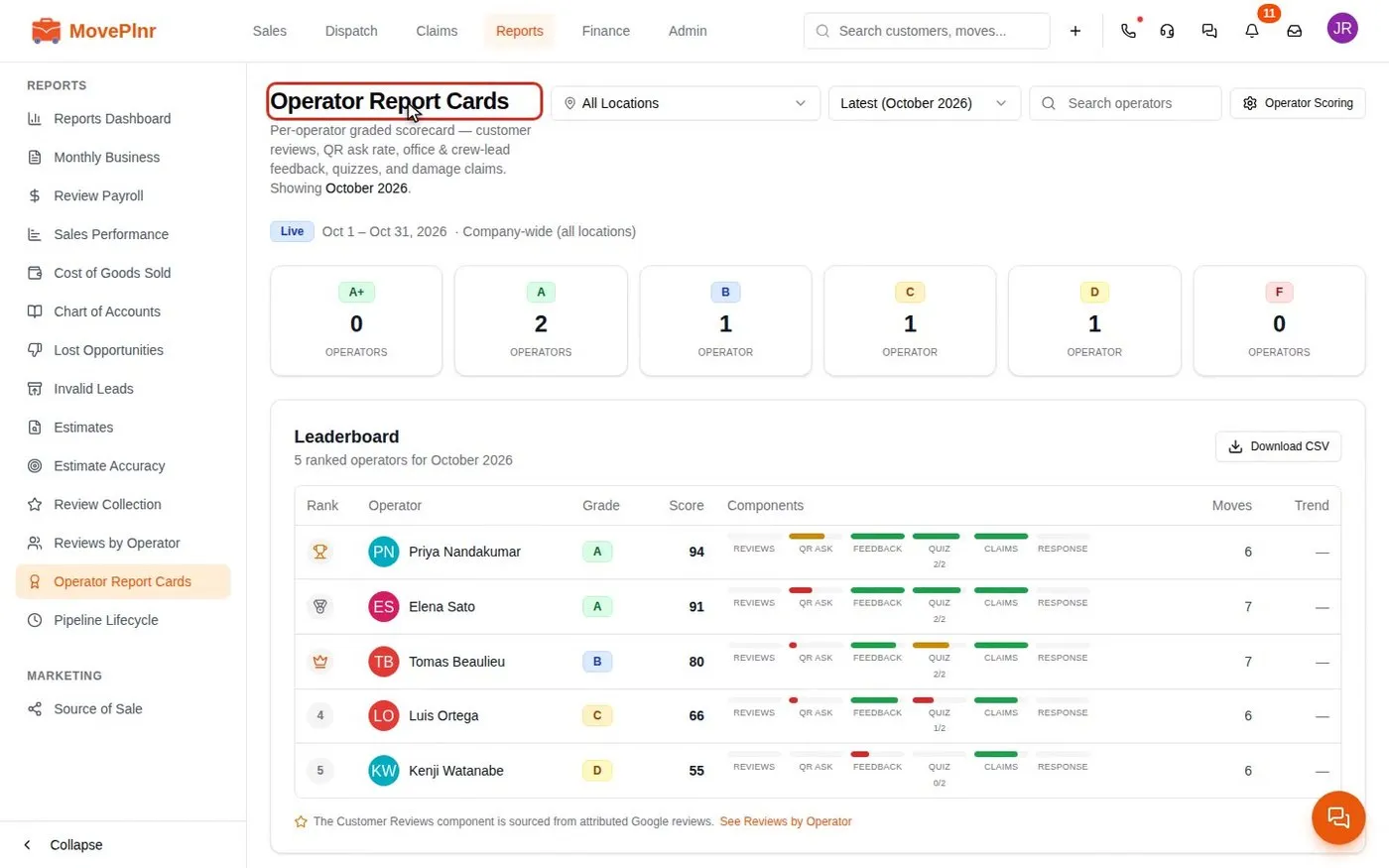 ▶ Video · 3:29
Rate your crews, read report cards and run quizzes
How the office reads the operator report cards, rates a mover, tunes the scoring, asks for a review at close and sends quizzes to the crew. For owners, office admins and dispatchers.
Watch and read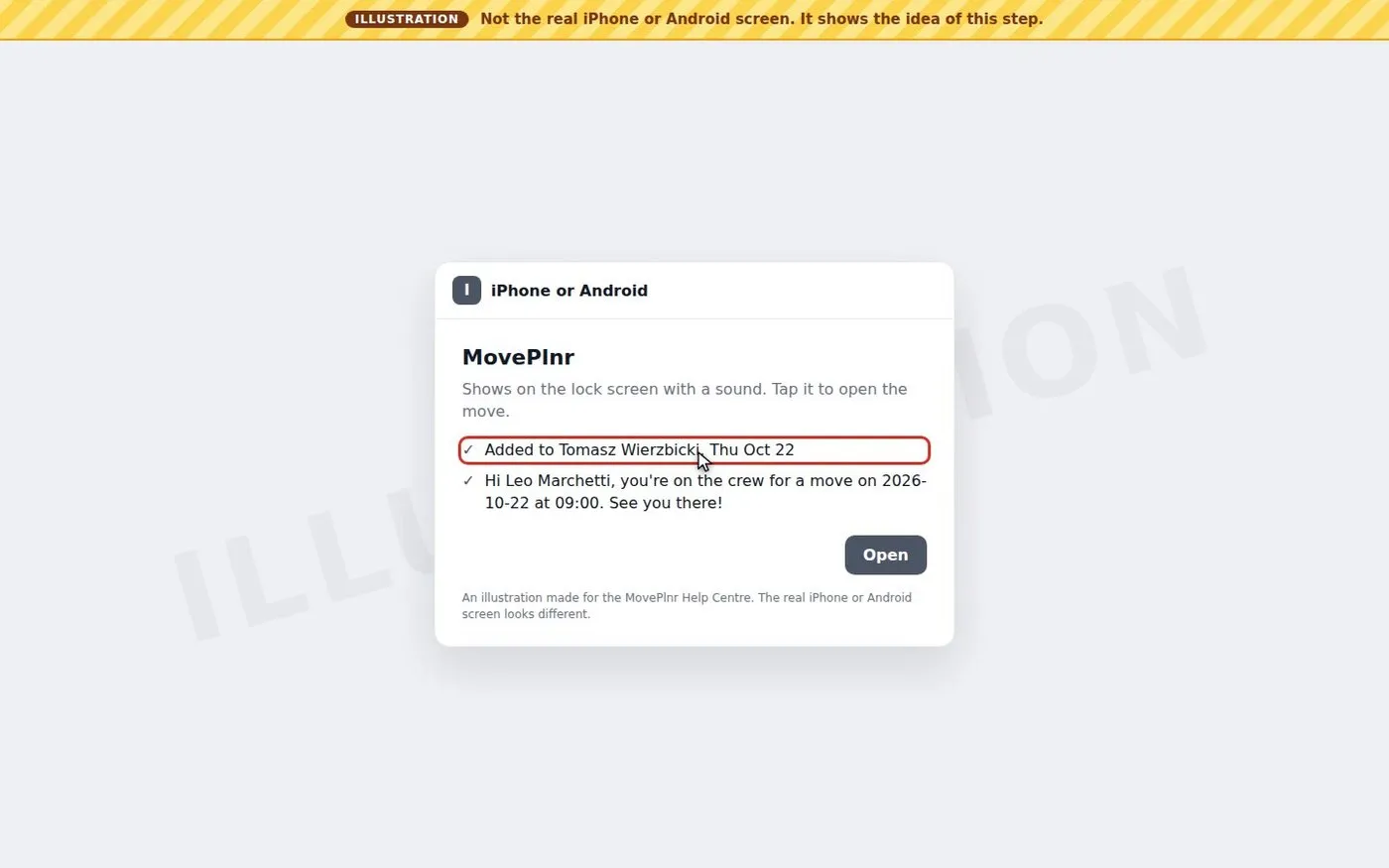 ▶ Video · 2:47
Get move notices as phone notifications
How the MovePlnr phone app tells crews they were added to a move, taken off one or asked to confirm, in your company's own wording, and when a text goes out instead. For crews, dispatchers and office admins.
Watch and read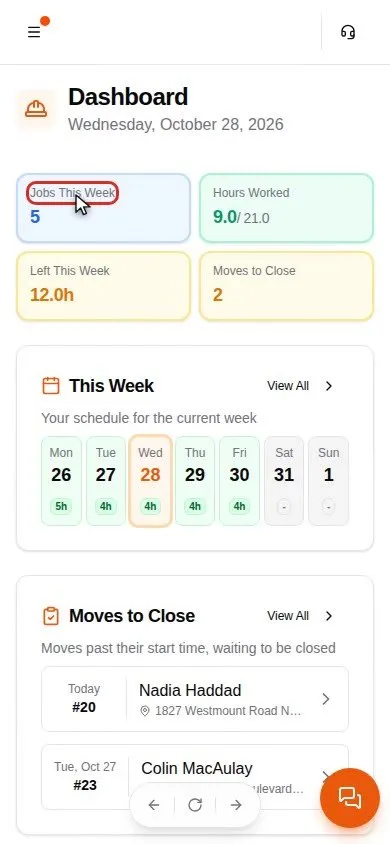 ▶ Video · 3:26
Run a move from your phone
Your day in the MovePlnr crew app: the dashboard, your schedule, the move page, stages and the crew chat, closing the move, your paystubs and time off. For movers and crew leads, with a video.
Watch and read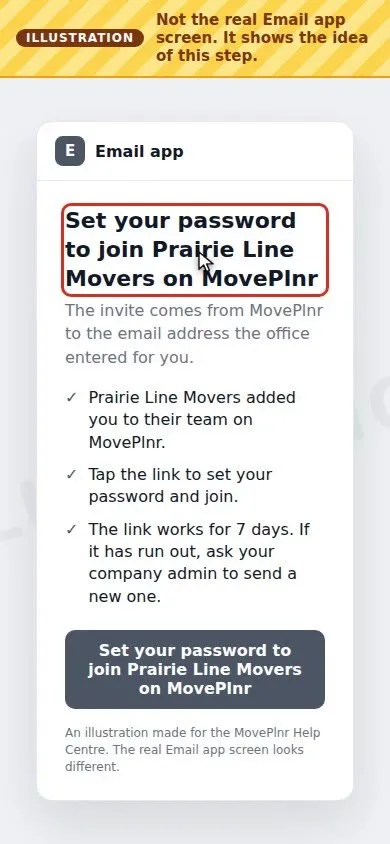 ▶ Video · 2:50
Sign in on your phone
Your first sign-in to MovePlnr as a mover or crew lead: open the invite email, set your password, get the MovePlnr app for iPhone or Android, sign in and turn on notifications. With a short video.
Watch and read