
Help Centre
MovePlnr Help Centre
Step-by-step guides with real screenshots and short videos. Pick your role to see where to start, or search for the screen you are on.
What do you do?
Each role has its own starting point.
Owner You run the company Set up your company and team, then keep an eye on the money. Guides on the way Office admin You run the office Customers, claims, storage and whatever lands on the office desk. Guides on the way Dispatcher You plan the day Put crews and trucks on jobs and keep every move on time. Guides on the way Sales You book the moves Work your leads, send estimates and follow up until they book. Guides on the way Crew You do the moves Your jobs, your report card and your quizzes, on your phone. 1 guide Yard You look after the trucks Trucks, equipment and supplies: what went out and what came back. Guides on the way
Featured guides
Watch the short video, then follow along with the screenshots.
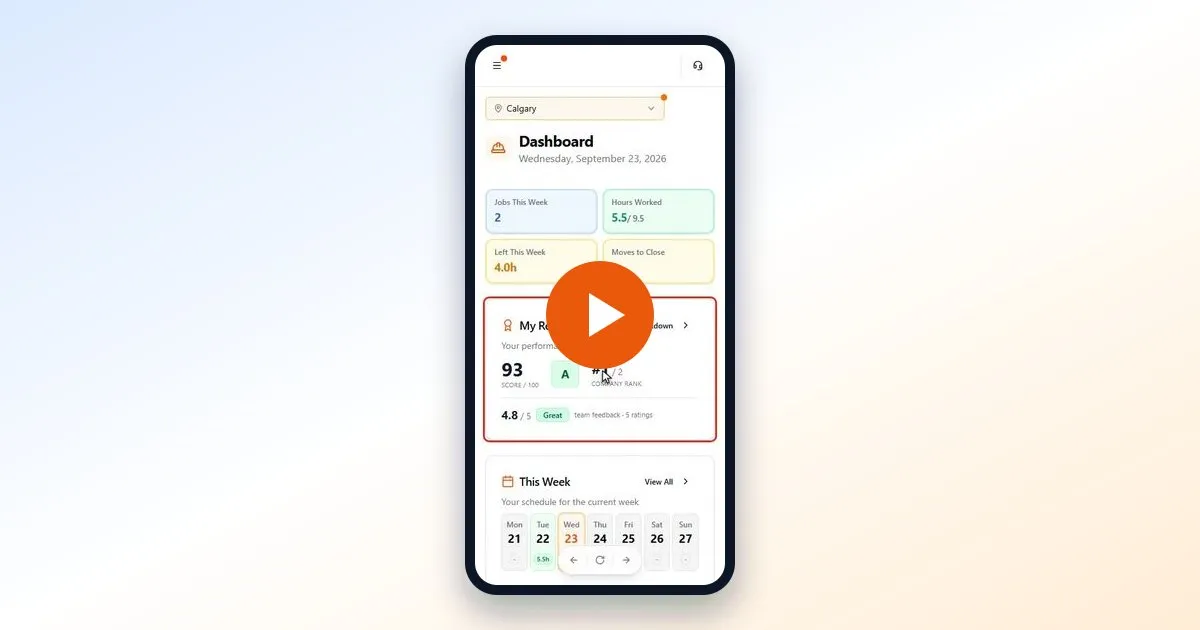 ▶ Video · 3:54
 My Report Card
How your MovePlnr score, grade and rank work, the five things that count, and how to answer a quiz. For movers and crew leads, with a 4-minute video.
Watch and read Video coming soon
Rate your crews and run quizzes
Set up crew scoring, rate a crew after a move, and send quizzes your movers answer on their phones.
Coming soon
Add and manage your team
Invite people, give them the right role and locations, and take someone off the team when they leave.
What's new in MovePlnr
Every update is listed in the changelog inside MovePlnr. Sign in to read it.
Can't find what you need?
Email hello@moveplnr.com and tell us which screen you are on.