
Start here
Your first week as a mover or crew lead
Movers and crew leads use MovePlnr on their phones. Your first week covers the move chat, the stages you tap through on a job, and your report card.
Start here, in this order
4 short guides, about 13 minutes of video in all.
- Step 1
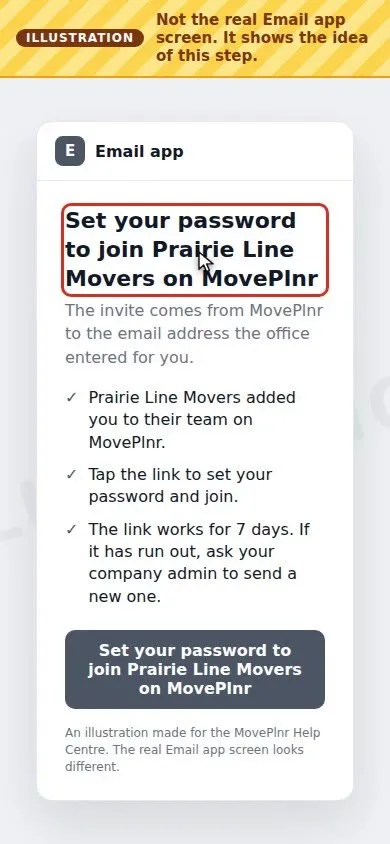 2:50 Sign in on your phone Your first sign-in to MovePlnr as a mover or crew lead: open the invite email, set your password, get the MovePlnr app for iPhone or Android, sign in and turn on notifications. With a short video.
- Step 2
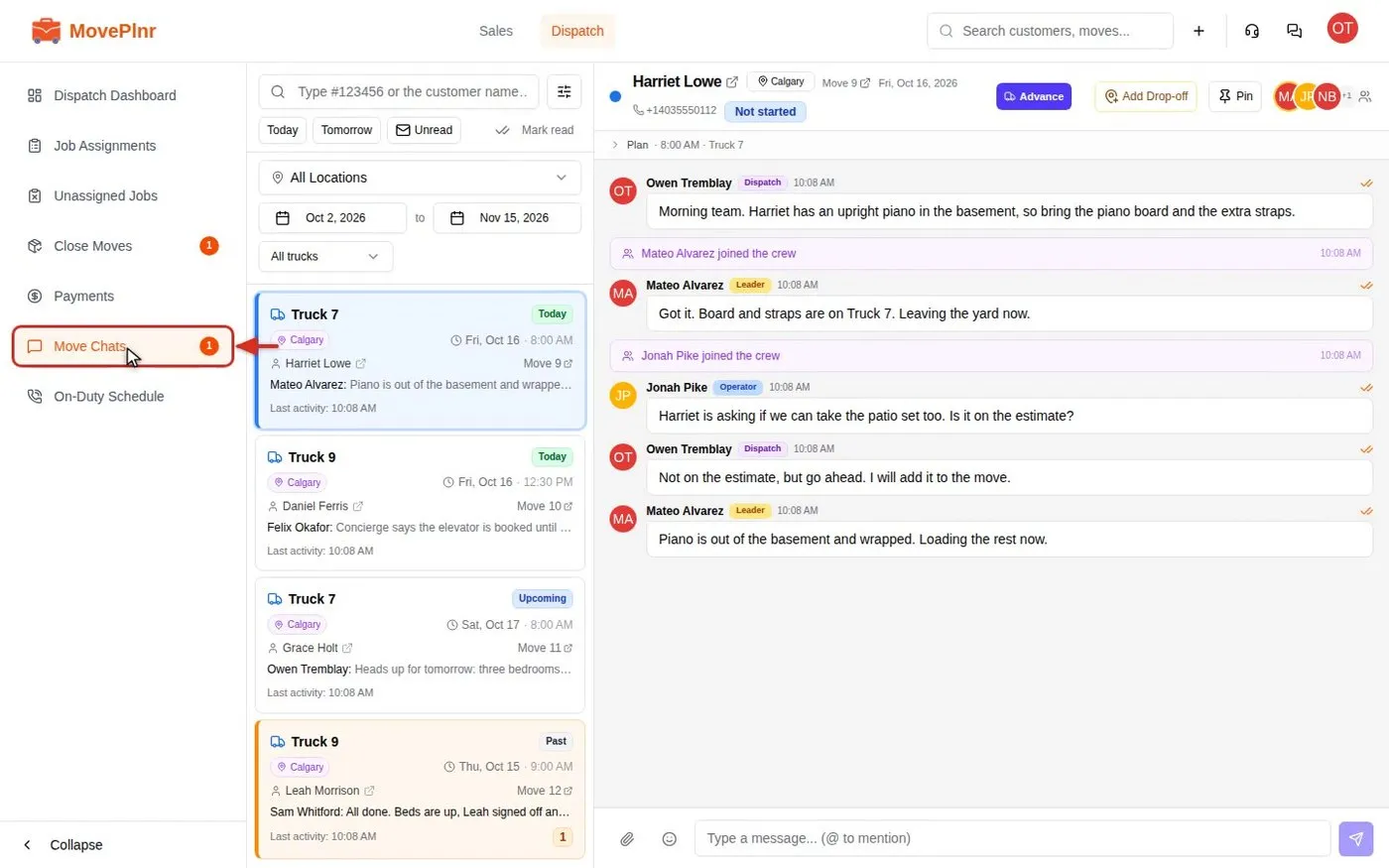 2:41 Chat with your crews in move chats The crew’s side Every job in MovePlnr has its own chat for dispatch, the crew and the office. Find a chat, mention people, reply, react, check who read what, and post a kick-off card. For dispatchers, crews and office admins.
- Step 3
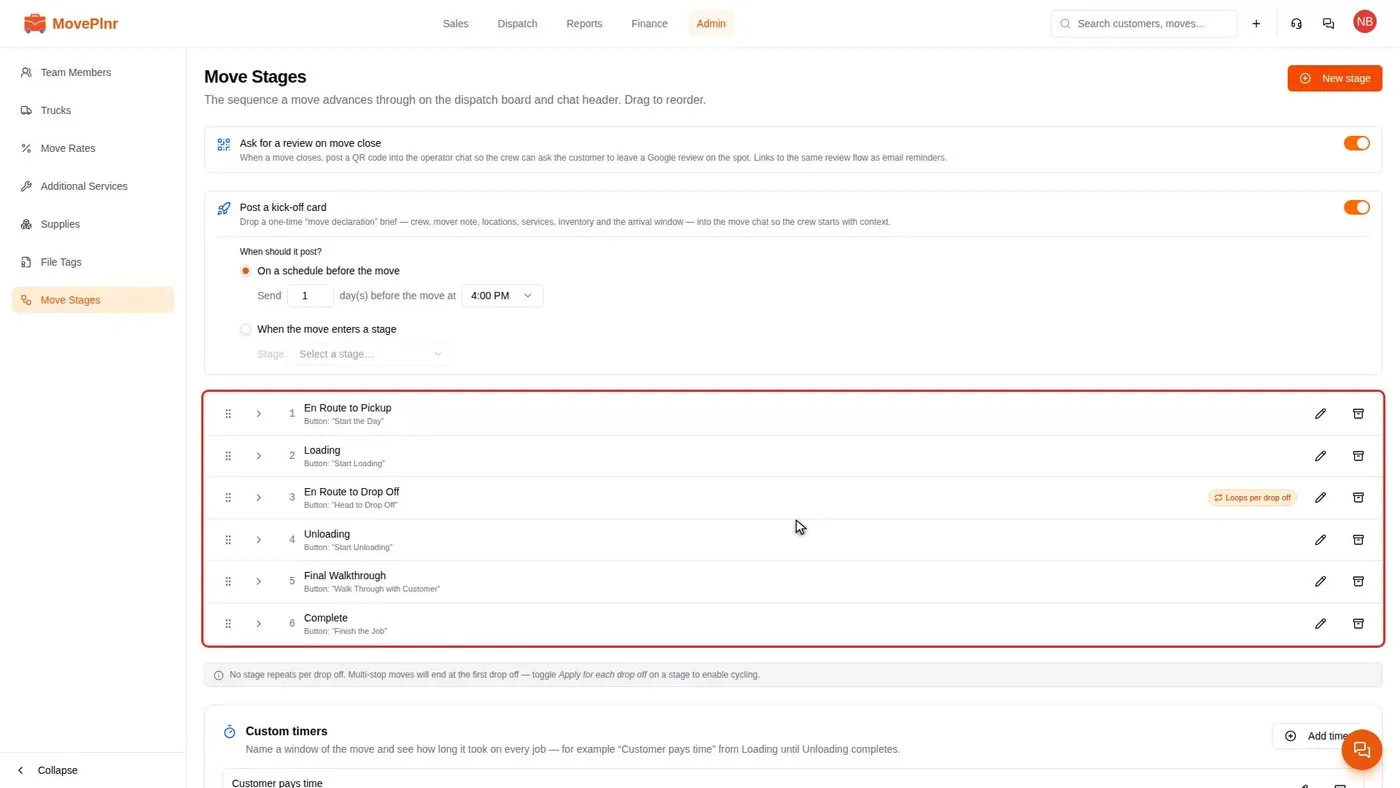 from 3:07 Set up move stages and their steps What the crew sees Set the stages every job moves through, the button your crew taps to enter each one, and the steps they complete in the move chat: calls, photos, time estimates and waivers. For owners and office admins.
- Step 4
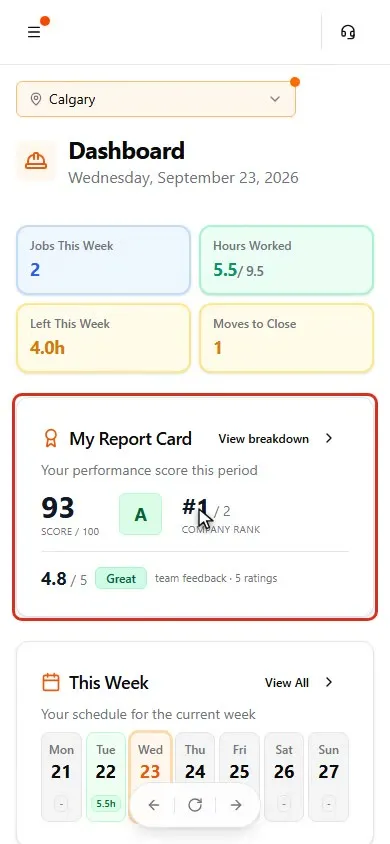 3:54 My Report Card How your MovePlnr score, grade and rank work, the five things that count, and how to answer a quiz. For movers and crew leads, with a 4-minute video.
Every day
The jobs you will repeat.
- Plan the day on the Dispatch board Dispatch · 2:00
- Assign crews and confirm them by text Dispatch · 4:07
- Tag moves and filter by tag Dispatch · 2:13
- Get move notices as phone notifications Operator · 2:47
- Run a move from your phone Operator · 3:26
- Build, send and track waivers Sales · 4:26
When something comes up
Bookmark these for a bad day.
- Book packing and moving days as one bundle Sales · 2:26
Set up once
Usually an admin's job. Check it is done.
- Set up your notifications Profile · 2:39
Not your role?
- Owner
- Office admin
- Dispatcher
- Sales
- Yard
- Estimator
- HR
- Partner
- Marketing
- Finance
- All of the Help Centre
Can't find what you need? Email hello@moveplnr.com and tell us which screen you are on.