
Start here
Your first week as a yard manager
You keep the fleet and the stock ready for tomorrow's jobs. These guides cover the yard board, equipment and supplies.
Start here, in this order
4 short guides, about 7 minutes of video in all.
- Step 1
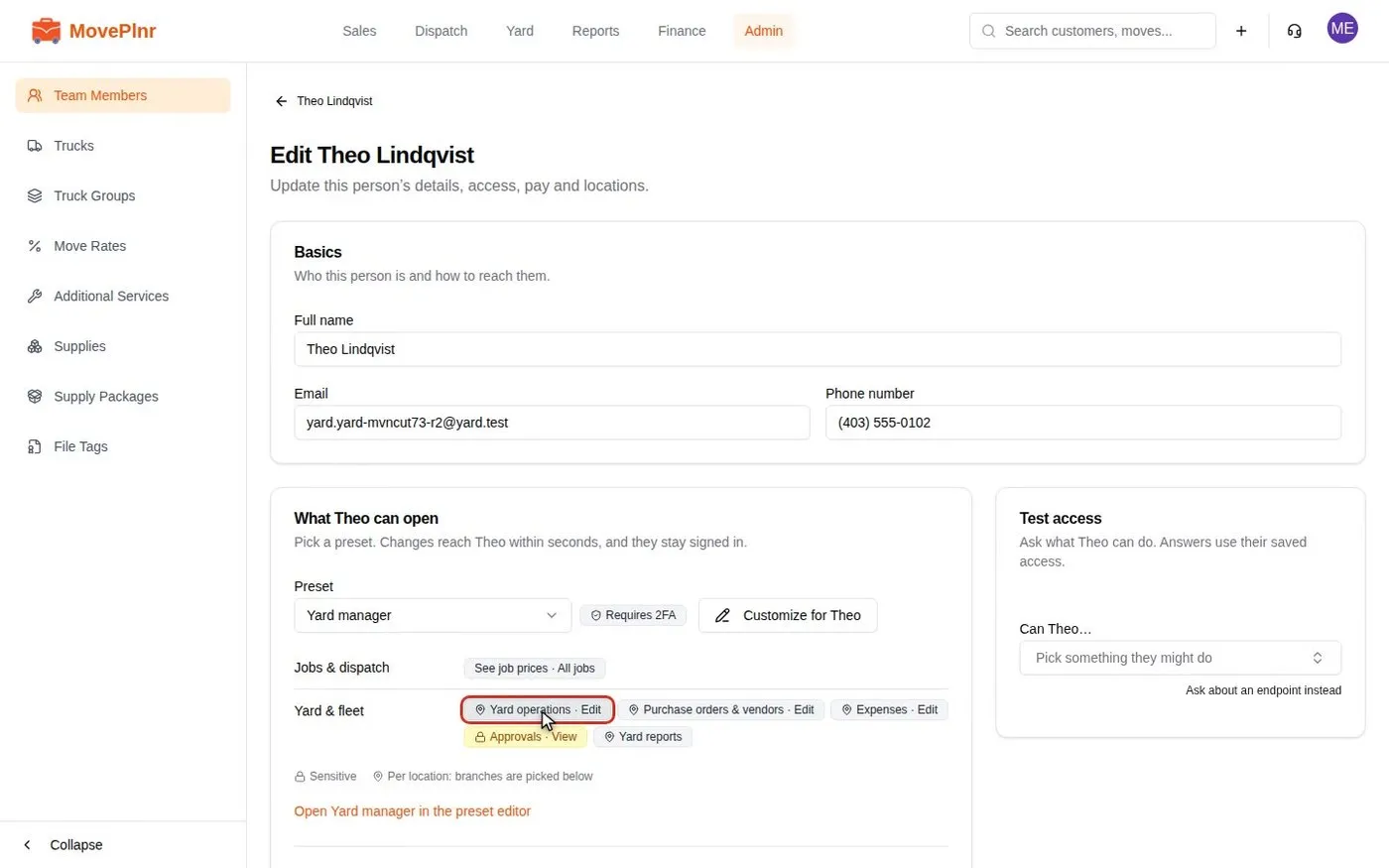 from 1:01 Run your truck yard Start on the yard home Keep every truck serviced and inspected and the yard stocked from the Yard in MovePlnr: who runs which yard, the yard home, upcoming work, truck pages, stock counts, purchase orders and checklists. For yard managers.
- Step 2 from 2:03 Run your truck yard Look after one truck Keep every truck serviced and inspected and the yard stocked from the Yard in MovePlnr: who runs which yard, the yard home, upcoming work, truck pages, stock counts, purchase orders and checklists. For yard managers.
- Step 3 from 2:25 Run your truck yard Count and sell stock Keep every truck serviced and inspected and the yard stocked from the Yard in MovePlnr: who runs which yard, the yard home, upcoming work, truck pages, stock counts, purchase orders and checklists. For yard managers.
- Step 4
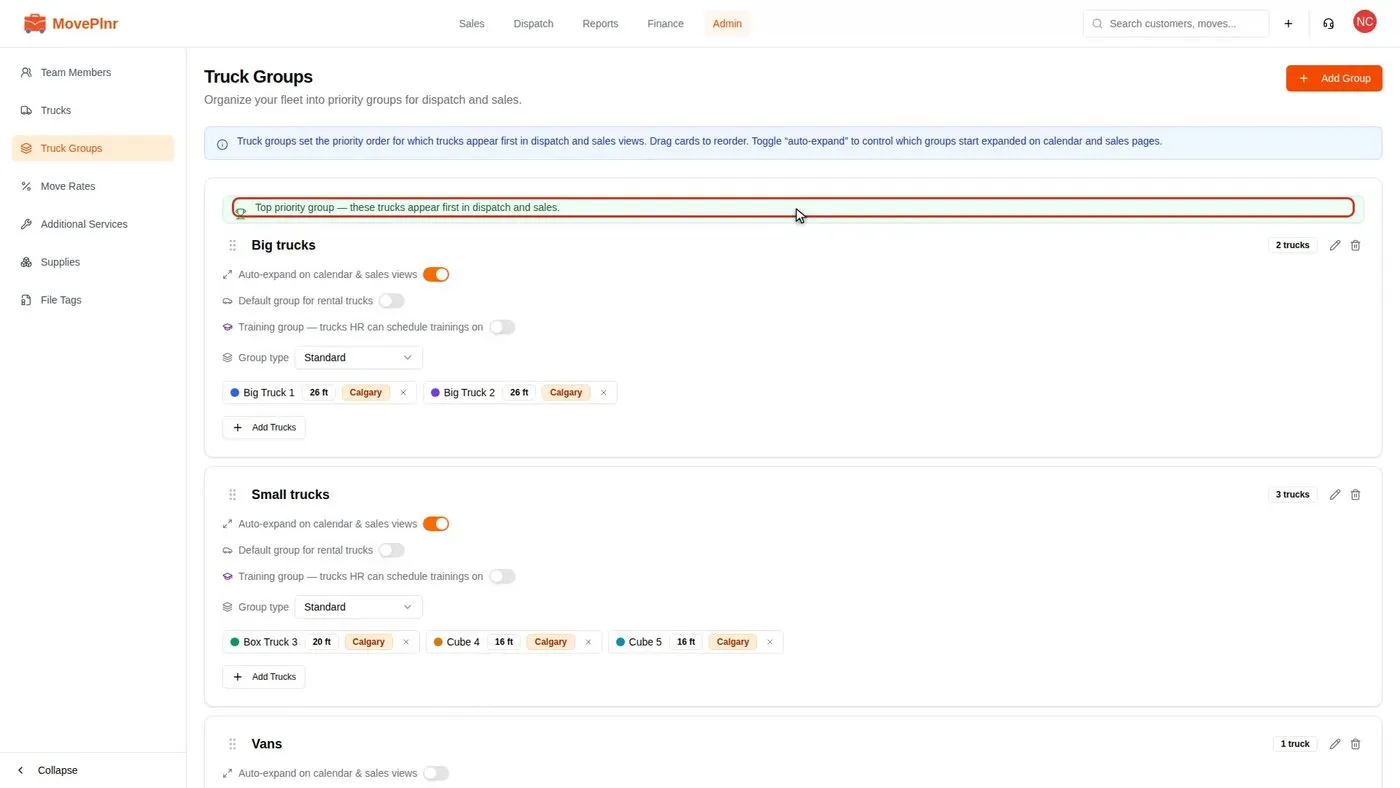 from 1:51 Set up truck groups Approve drivers for each truck Sort your fleet into truck groups so the right trucks show first on dispatch and sales screens, and approve which movers may drive each truck. For owners, office admins and dispatchers.
Not your role?
- Owner
- Office admin
- Dispatcher
- Sales
- Crew
- Estimator
- HR
- Partner
- Marketing
- Finance
- All of the Help Centre
Can't find what you need? Email hello@moveplnr.com and tell us which screen you are on.