
Start here
Your first week as a dispatcher
You build the schedule, send crews out and close the day. These guides follow a move from the dispatch board to the close.
Start here, in this order
4 short guides, about 12 minutes of video in all.
- Step 1
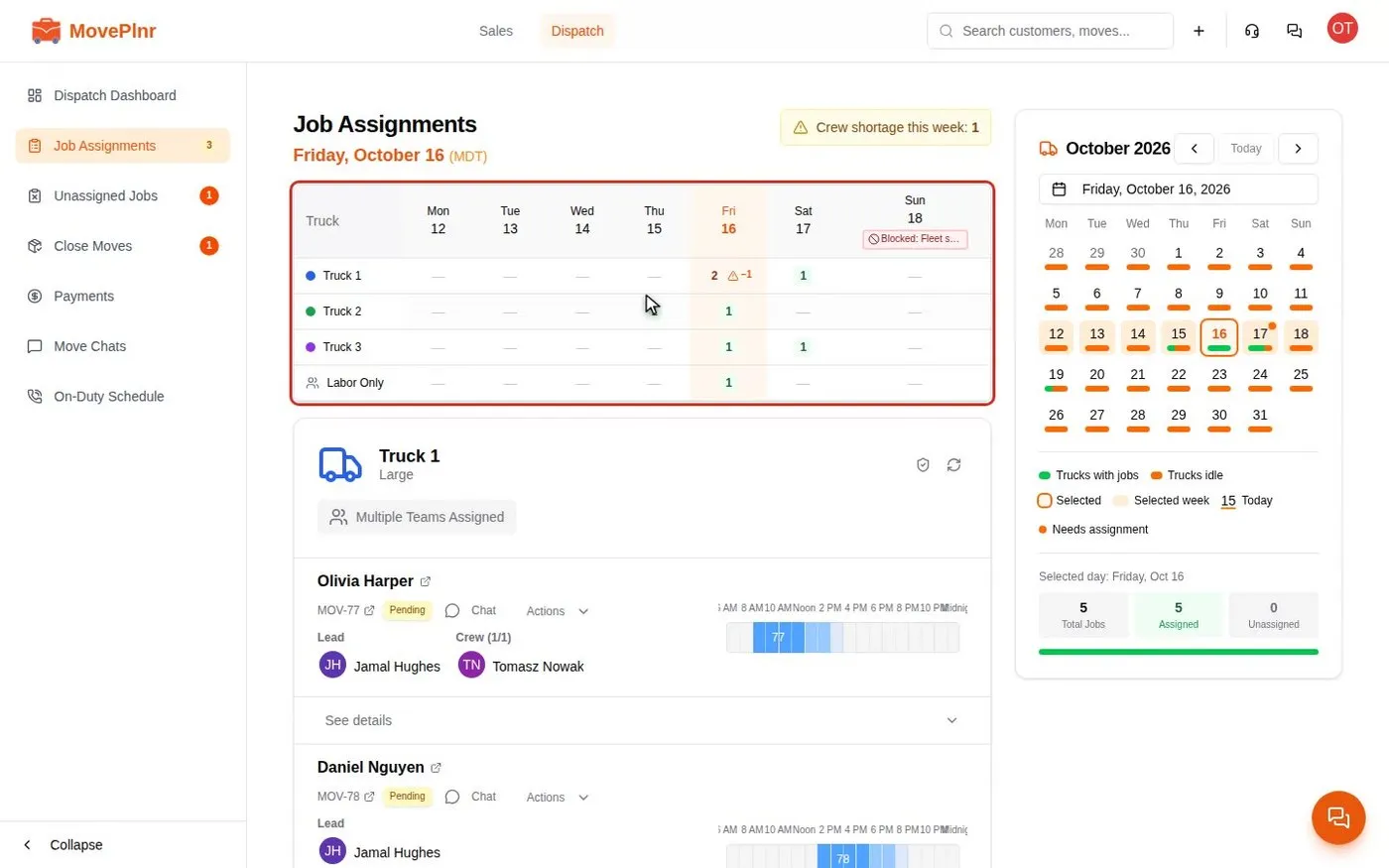 2:00 Plan the day on the Dispatch board Read the week on Job Assignments, block a day with a reason, add a mover to several jobs at once, plan multi-day and labor-only jobs, and follow each truck's day on the Dispatch Dashboard. For dispatchers, office admins and crew leads.
- Step 2
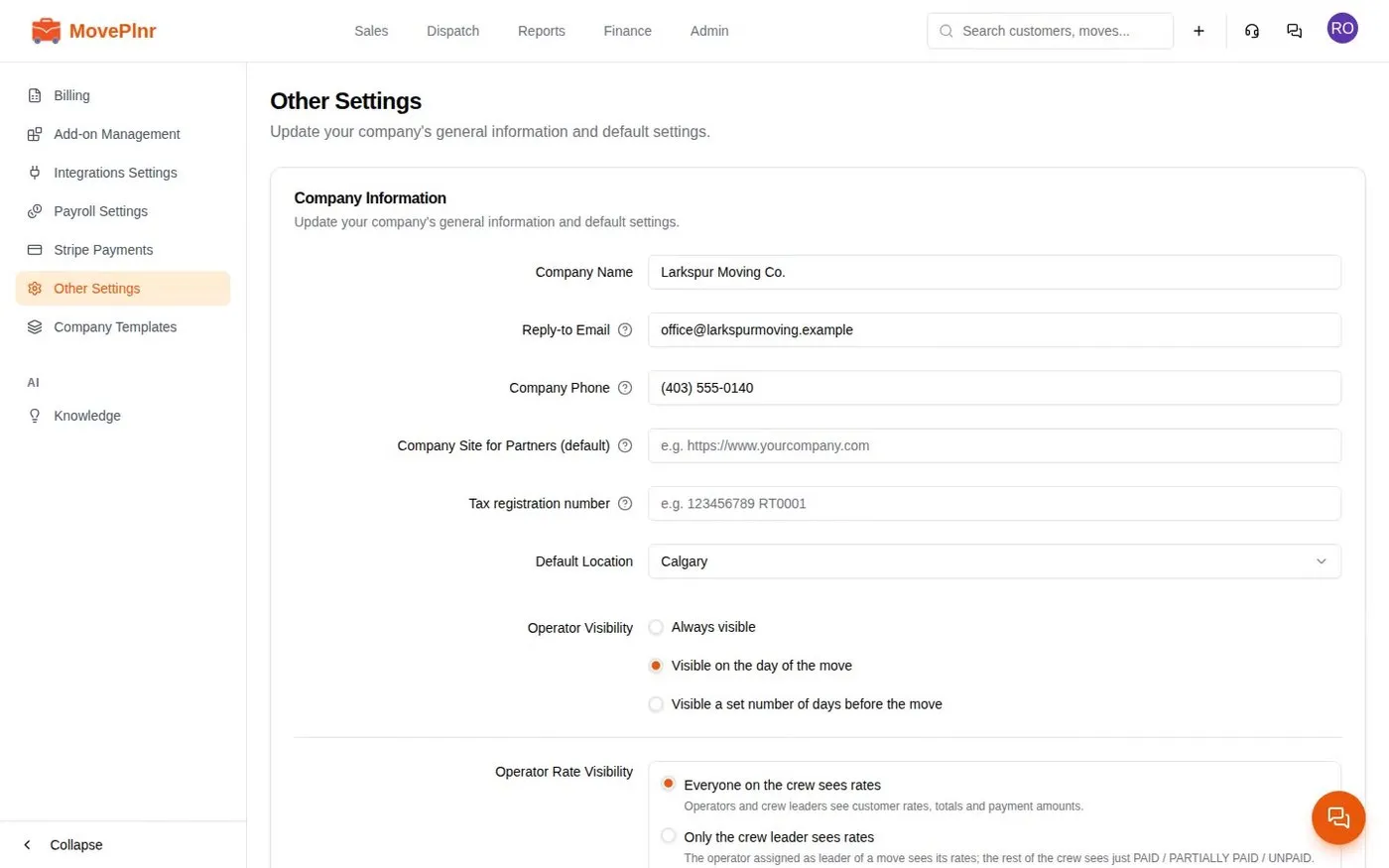 4:07 Assign crews and confirm them by text Hold crew changes in a publishing window, text every mover to confirm, see who said yes, avoid double booking, and introduce the crew to the customer by text. For dispatchers, office admins and crews.
- Step 3
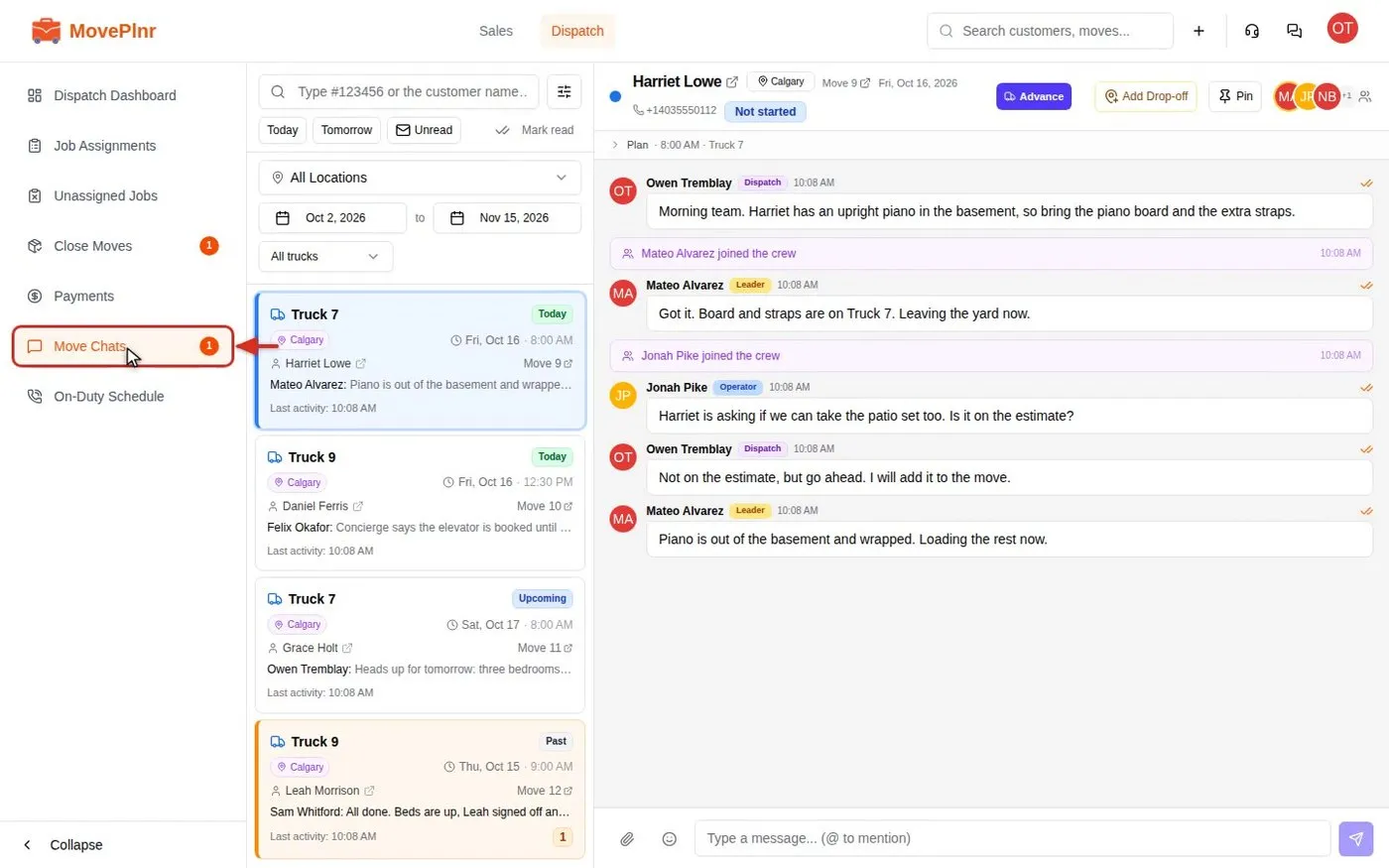 2:41 Chat with your crews in move chats Every job in MovePlnr has its own chat for dispatch, the crew and the office. Find a chat, mention people, reply, react, check who read what, and post a kick-off card. For dispatchers, crews and office admins.
- Step 4
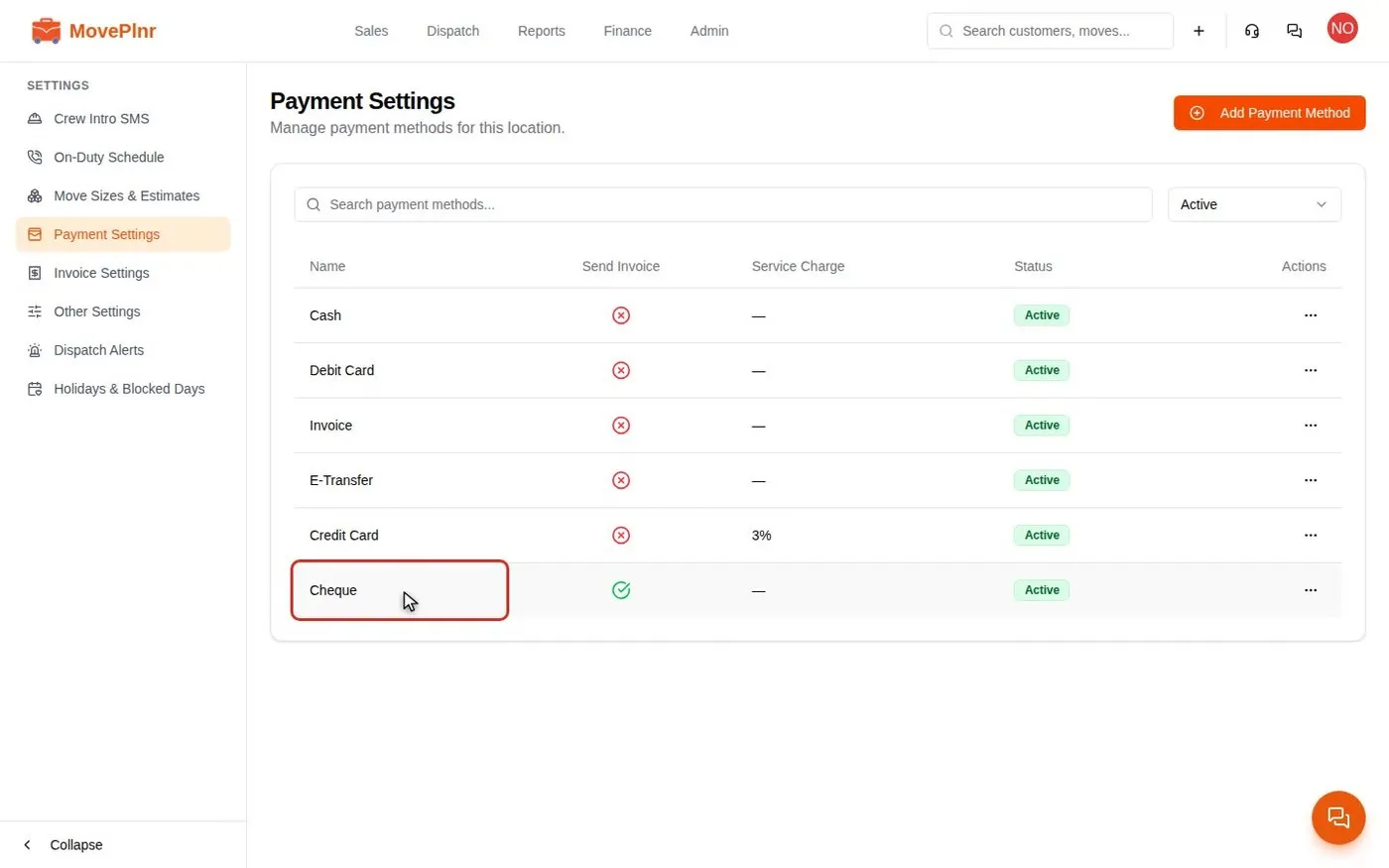 3:35 Take payments and close a move Collect a deposit, close a finished move with hours, discounts and payments, add card service charges, and track and refund payments in MovePlnr. For office admins, owners and dispatchers.
Every day
The jobs you will repeat.
- Tag moves and filter by tag Dispatch · 2:13
- Take in-person payments with a card reader Finance · 2:58
- Calls, texts and email in the Inbox Inbox · 3:49
- Message your team in direct and group chats Inbox · 2:48
- Get move notices as phone notifications Operator · 2:47
- Create, assign and track office tasks Profile · 3:02
- Build and send estimates Sales · 3:27
- Build, send and track waivers Sales · 4:26
- Sell supply packages on estimates Sales · 2:23
When something comes up
Bookmark these for a bad day.
- Handle a damage claim Claims · 3:45
- Run delivery routes and combine invoices Dispatch · 3:50
- Plan small local jobs into rides Dispatch · 3:52
- Rate your crews, read report cards and run quizzes Operator · 3:29
- Quote and run a long-distance move Sales · 5:57
- Find and merge duplicate customers Sales · 3:33
- Book packing and moving days as one bundle Sales · 2:26
Set up once
Usually an admin's job. Check it is done.
- Set up move stages and their steps Admin · 3:48
- Set up truck groups Admin · 3:15
- Ask for reviews and track them Marketing · 3:12
- Set up your notifications Profile · 2:39
Not your role?
Can't find what you need? Email hello@moveplnr.com and tell us which screen you are on.