
Start here
Your first week as an office admin
You keep the office running: customer records, damage claims, storage accounts and the questions nobody else can answer.
Start here, in this order
5 short guides, about 18 minutes of video in all.
- Step 1
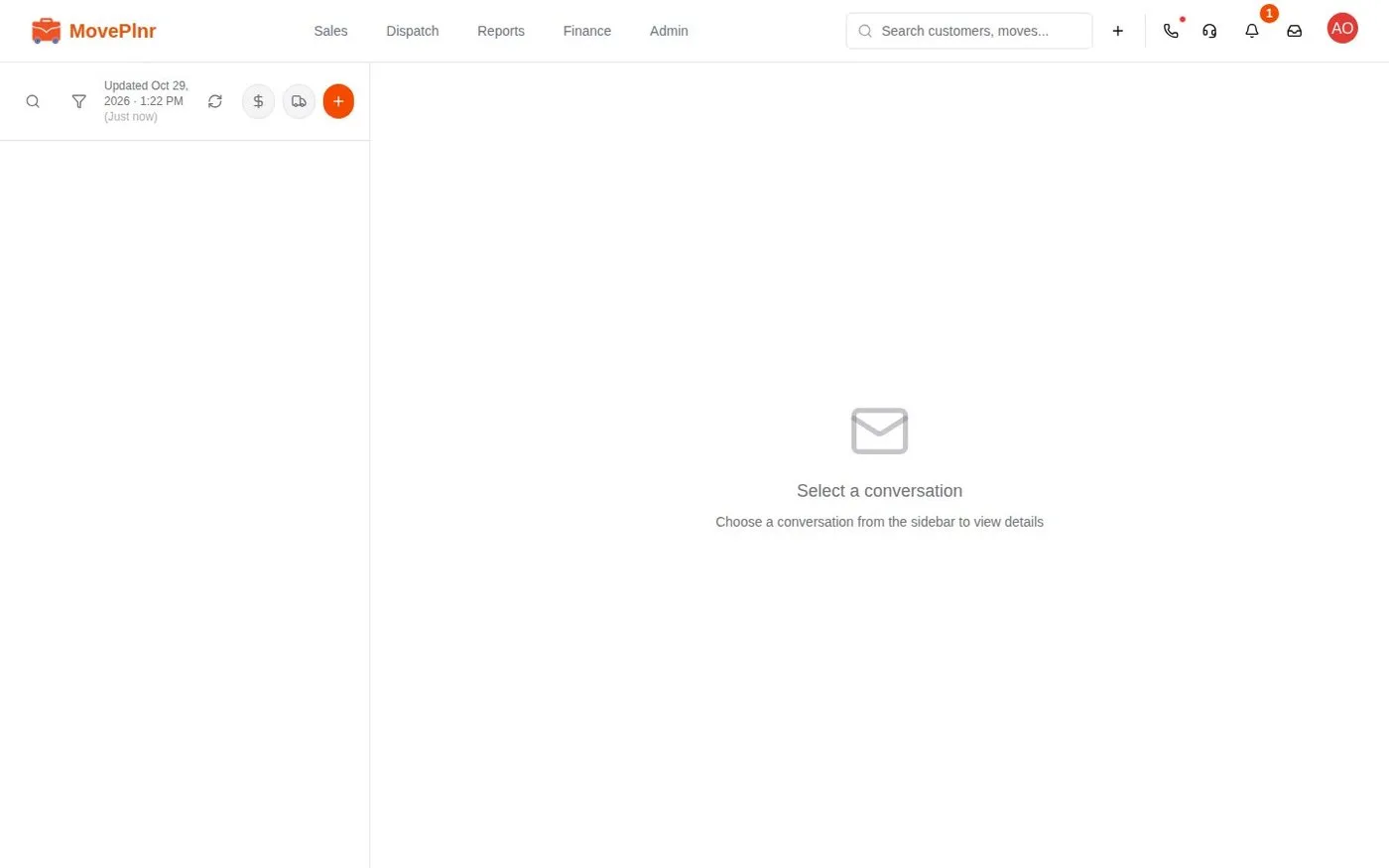 3:49 Calls, texts and email in the Inbox Connect your phone line and email to MovePlnr, follow every text, call and email with a customer in one timeline, and answer faster with Quick Reply snippets. For owners, office admins, sales reps and dispatchers.
- Step 2
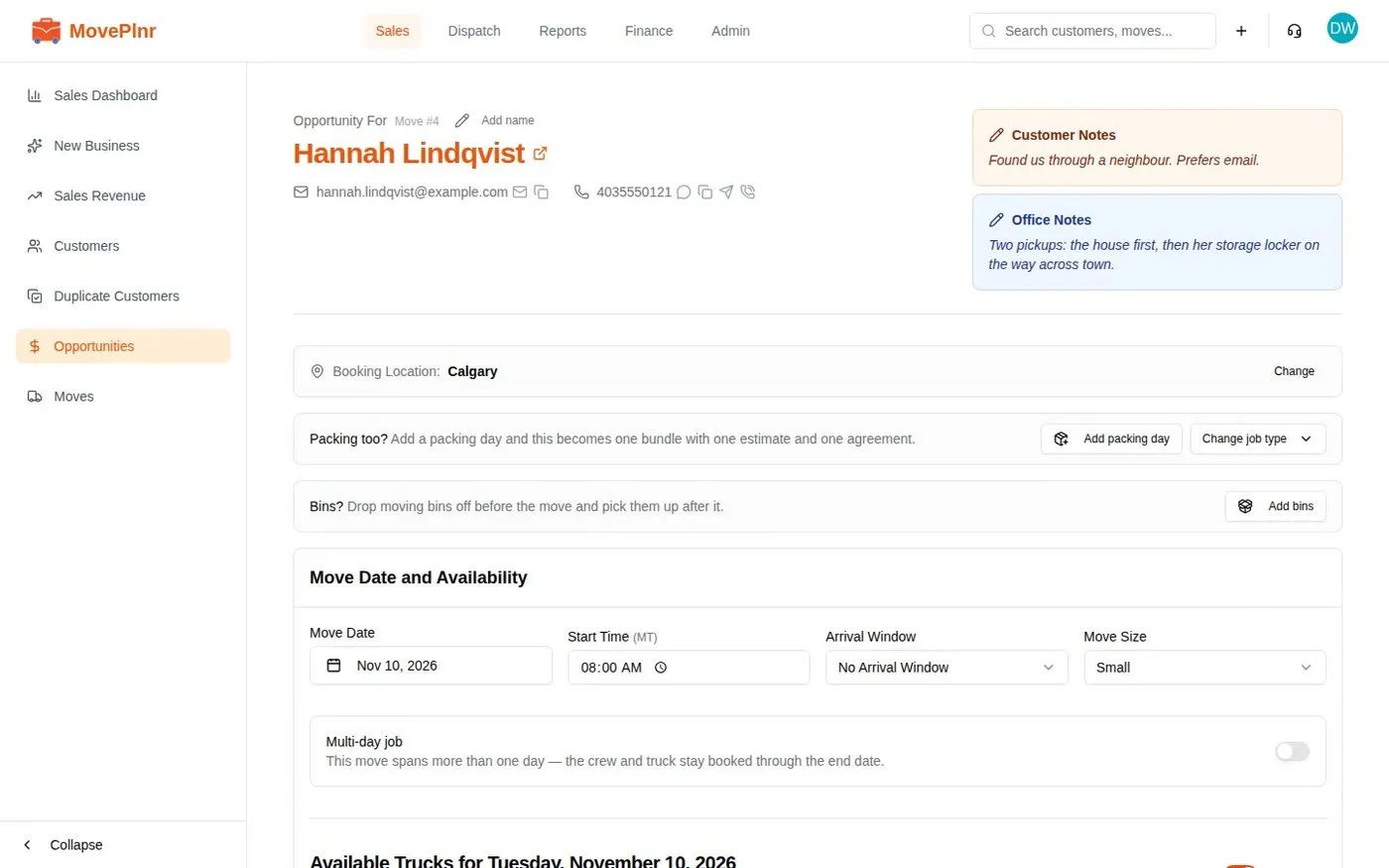 3:27 Build and send estimates Plan the stops, price the move as an hourly range or a fixed rate range, email the estimate, follow it in your pipeline and book on-site estimates. For sales reps and the office.
- Step 3
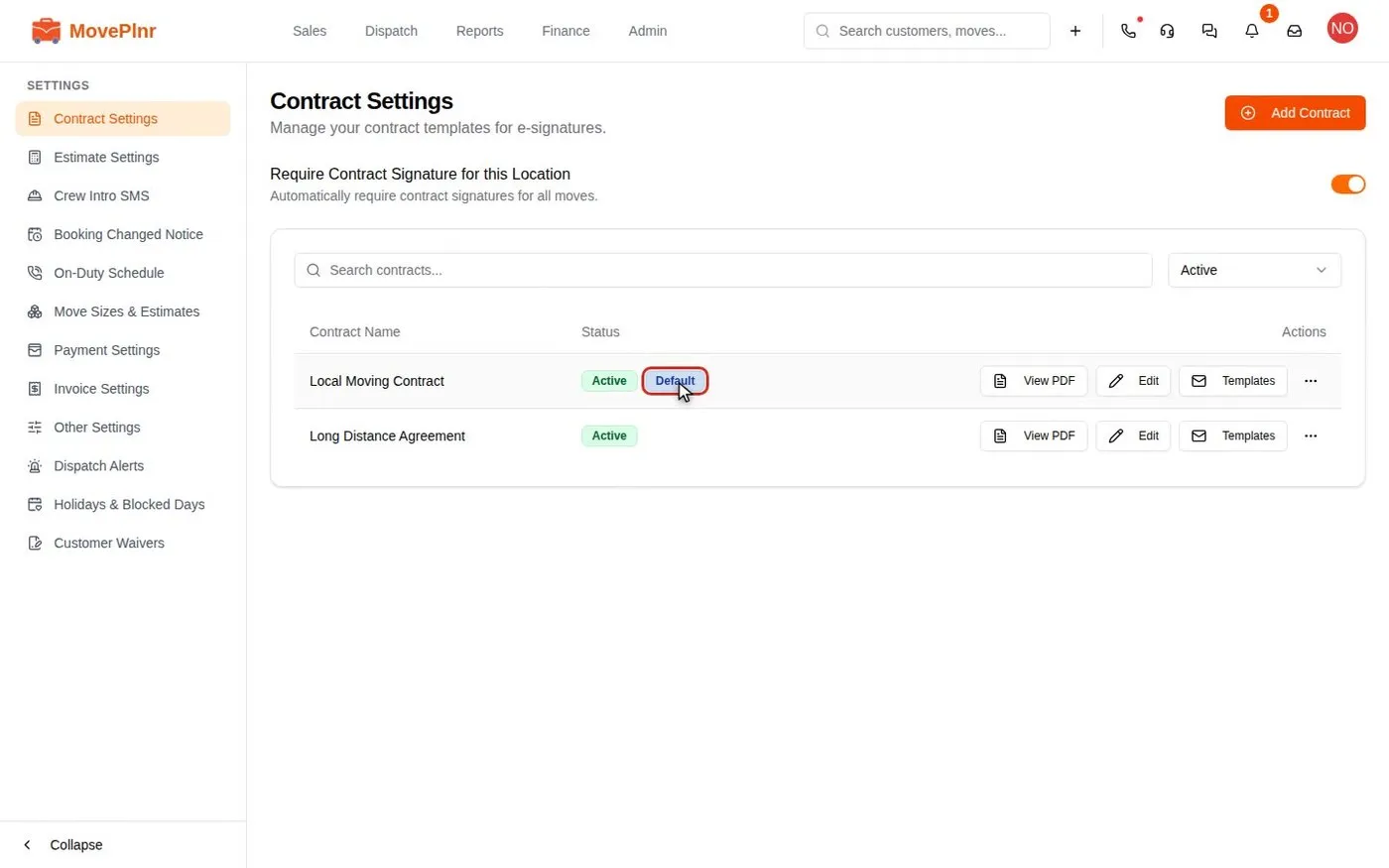 3:28 Build contracts and collect signatures Set up contract templates with placeholders, initials, attachments and reminders, send them at booking or later, add waivers, and handle paper-signed contracts. For office admins, sales reps and owners.
- Step 4
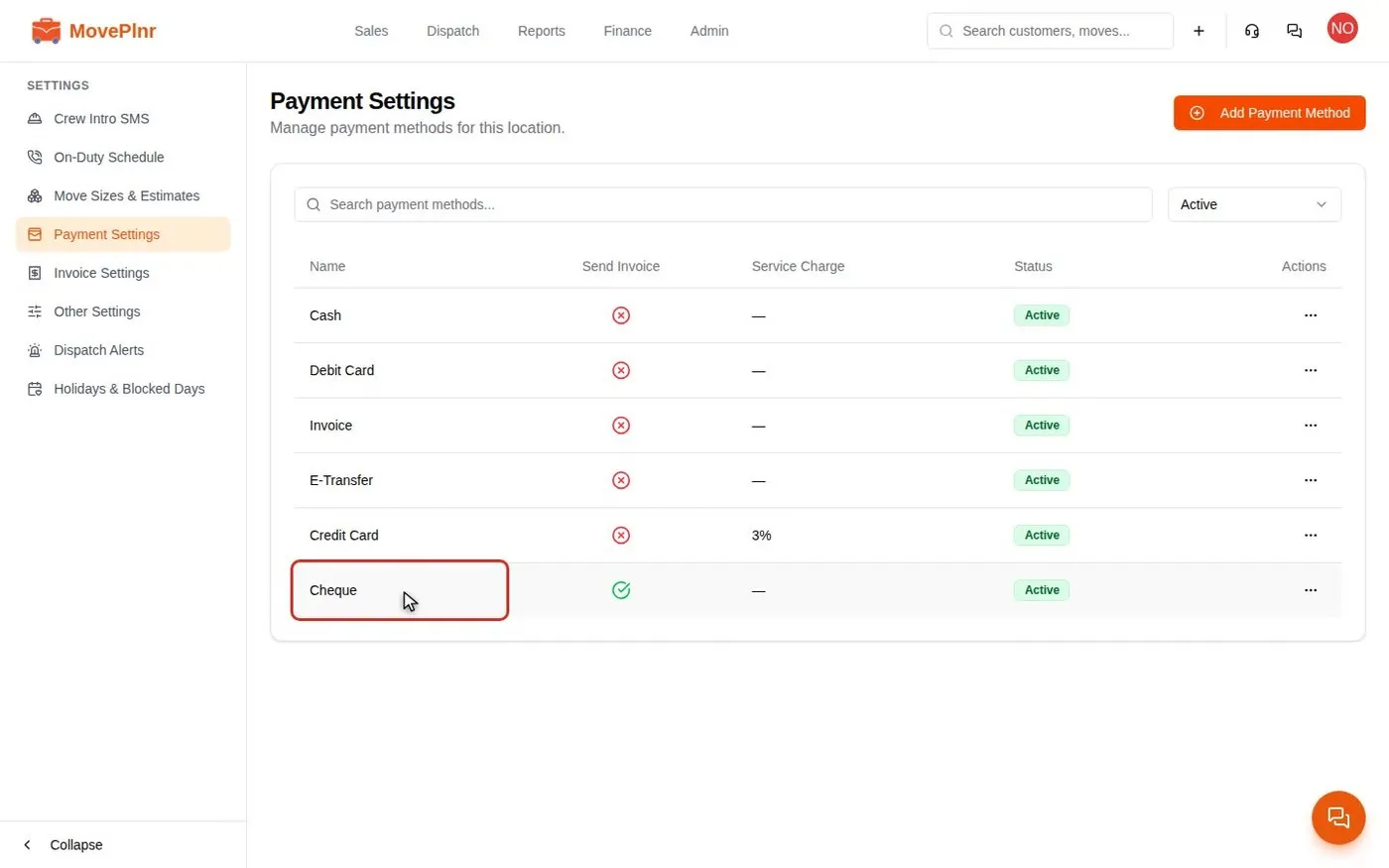 3:35 Take payments and close a move Collect a deposit, close a finished move with hours, discounts and payments, add card service charges, and track and refund payments in MovePlnr. For office admins, owners and dispatchers.
- Step 5
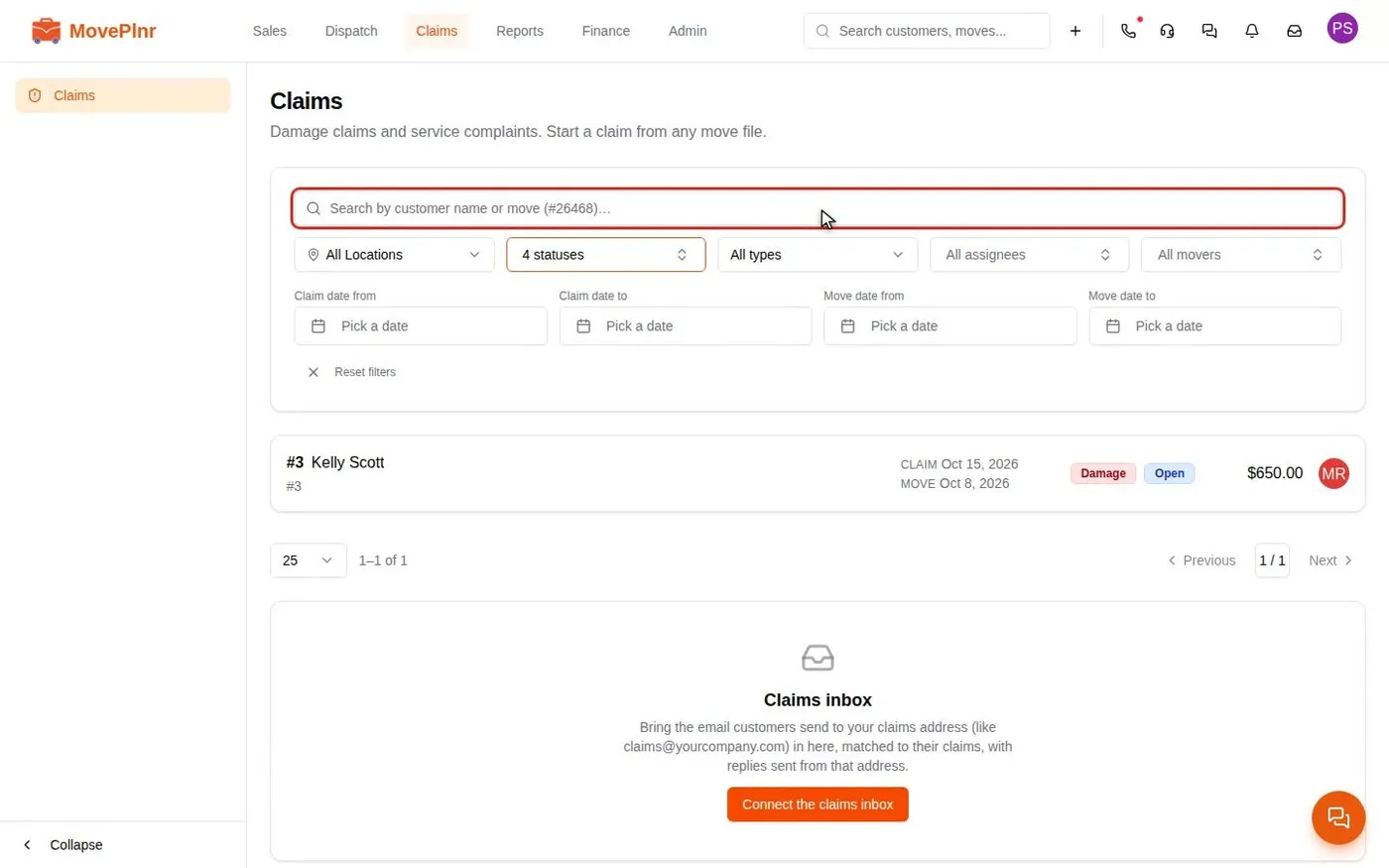 3:45 Handle a damage claim Start a damage claim from the move, work the case with notes, action items and a crew chat, settle it, and set each mover's strike and cost share. For office admins and dispatchers.
Every day
The jobs you will repeat.
- Plan the day on the Dispatch board Dispatch · 2:00
- Assign crews and confirm them by text Dispatch · 4:07
- Chat with your crews in move chats Dispatch · 2:41
- Tag moves and filter by tag Dispatch · 2:13
- Run payroll and pay your crews Finance · 3:26
- Take in-person payments with a card reader Finance · 2:58
- Message your team in direct and group chats Inbox · 2:48
- Get move notices as phone notifications Operator · 2:47
- Create, assign and track office tasks Profile · 3:02
- Read your daily and monthly reports Reports · 2:35
- Work with partners and referrals Sales · 3:56
- Build, send and track waivers Sales · 4:26
- Send quote pages customers sign and pay Sales · 3:55
- Sell supply packages on estimates Sales · 2:23
When something comes up
Bookmark these for a bad day.
- Run delivery routes and combine invoices Dispatch · 3:50
- Read stage timing and set custom timers Dispatch · 3:15
- Offer, book and bill storage Finance · 4:40
- Pay recruiter bonuses Finance · 3:28
- Offer customers financing Finance · 2:56
- Rate your crews, read report cards and run quizzes Operator · 3:29
- Quote and run a long-distance move Sales · 5:57
- Find and merge duplicate customers Sales · 3:33
- Book packing and moving days as one bundle Sales · 2:26
Set up once
Usually an admin's job. Check it is done.
- Add and manage your team Admin · 5:38
- Set up move stages and their steps Admin · 3:48
- Set up truck groups Admin · 3:15
- Share and copy templates across branches Admin · 4:27
- Connect Claude to MovePlnr Company settings
- Connect your integrations and add-ons Company settings · 3:30
- Access presets and the Access checker Company settings · 4:02
- Get help and finish setup with Compass Getting started · 3:30
- Set up your company basics Getting started · 3:43
- Start in the app after you sign up Getting started · 3:03
- Add a lead form to your website Marketing · 4:16
- Ask for reviews and track them Marketing · 3:12
- Set up lead source attribution rules Marketing · 4:28
- Bring Local Services Ads leads into New Business Marketing · 2:24
- Set up your notifications Profile · 2:39
- Set up pipeline follow-ups Sales · 3:35
Coming soon
- Your first move, start to finish Take one real customer through a quote, a booking and a paid invoice.
- Set up your branches Add your other locations and give each one its own team, trucks and settings.
- Review the agreement customers sign Read the moving agreement your quote pages ask customers to sign, make the terms your own and publish your version.
- Sync your books with QuickBooks Online Connect QuickBooks, map your accounts, items and taxes, and see what MovePlnr sends and what to do when a sync fails.
Not your role?
Can't find what you need? Email hello@moveplnr.com and tell us which screen you are on.