
Start here
Your first week as an owner
You set MovePlnr up and run the business from it. These guides cover the setup, your team, taking payments and the reports you check.
Start here, in this order
4 short guides, about 15 minutes of video in all.
- Step 1
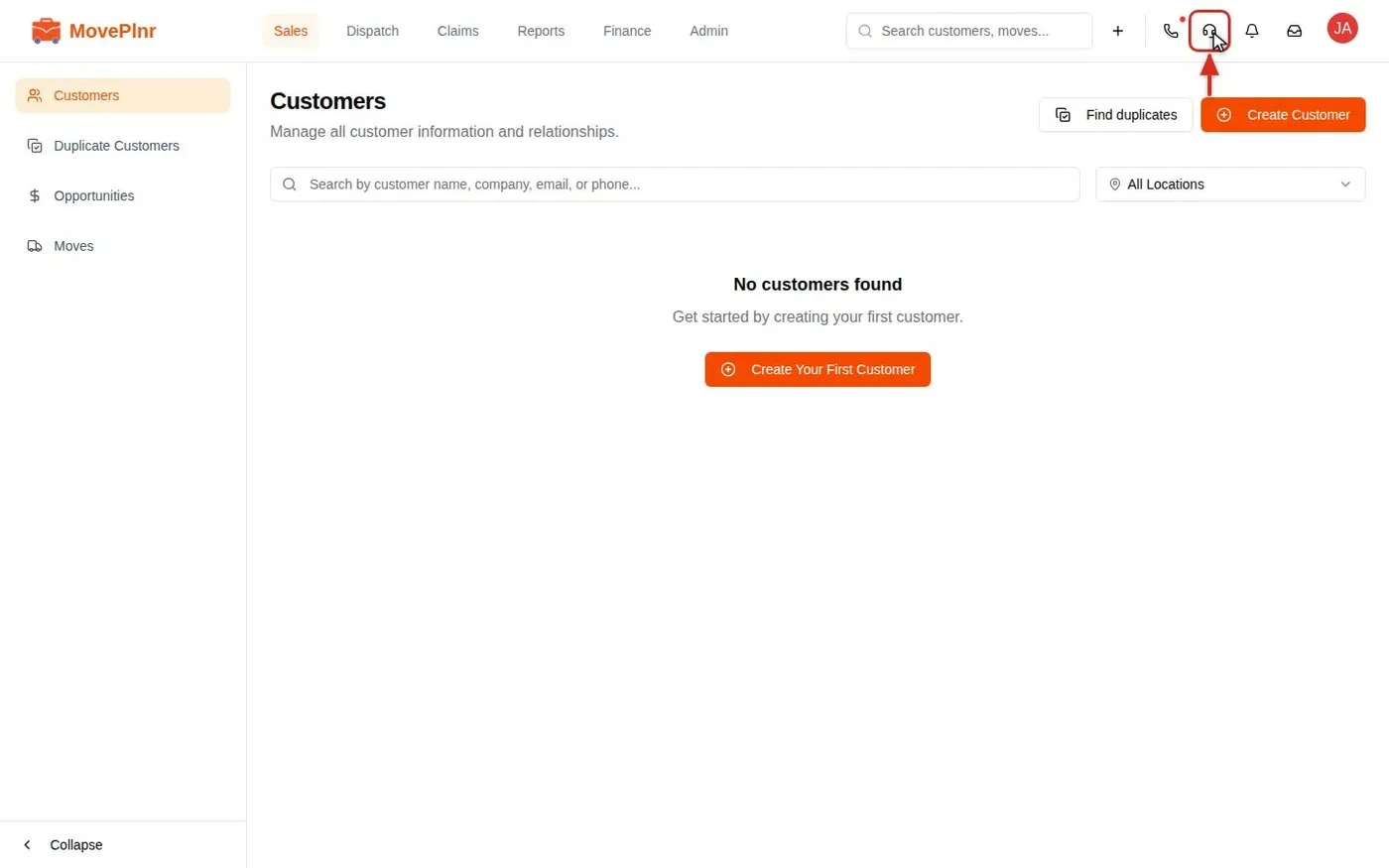 3:30 Get help and finish setup with Compass Use Compass, the help assistant in MovePlnr, to finish your company setup with short video clips, ask how to do things, report a problem with a screenshot or recording, and teach it your company's own rules.
- Step 2
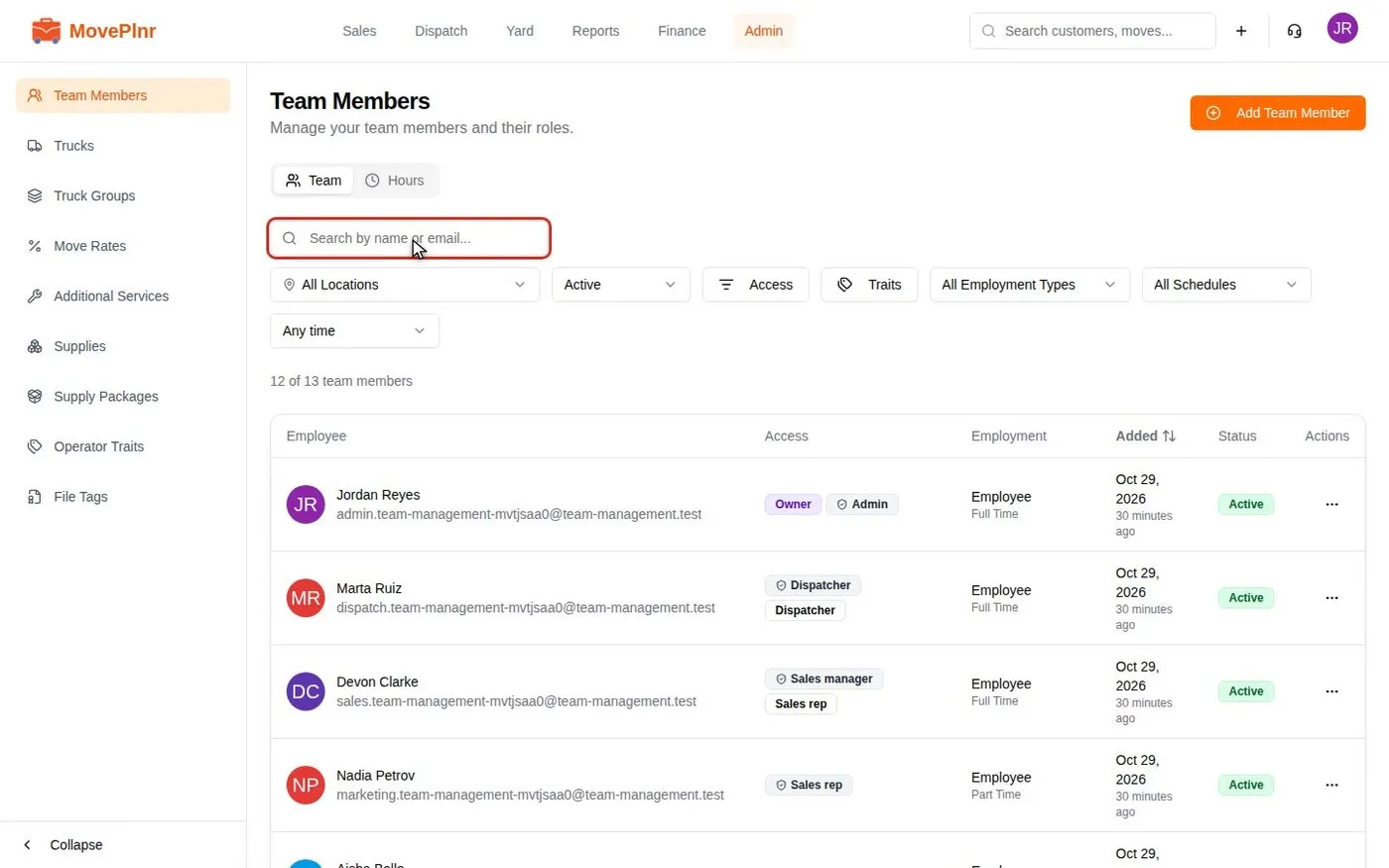 5:38 Add and manage your team Add team members with a preset, copy a setup from someone who does the same job, keep their record and history in one place, add stand-in movers, book training and decide what crews see about rates. For owners and office admins.
- Step 3
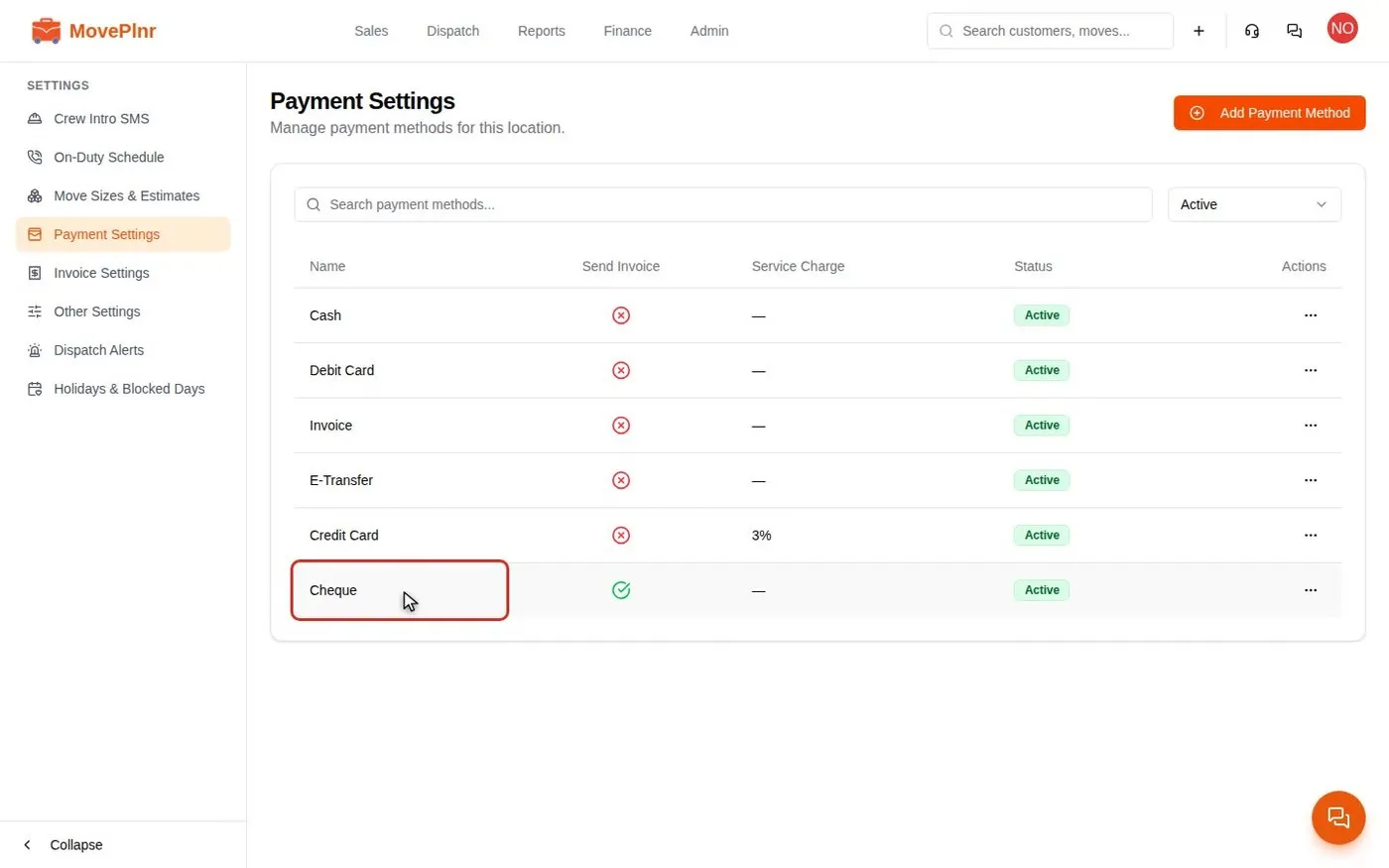 3:35 Take payments and close a move Collect a deposit, close a finished move with hours, discounts and payments, add card service charges, and track and refund payments in MovePlnr. For office admins, owners and dispatchers.
- Step 4
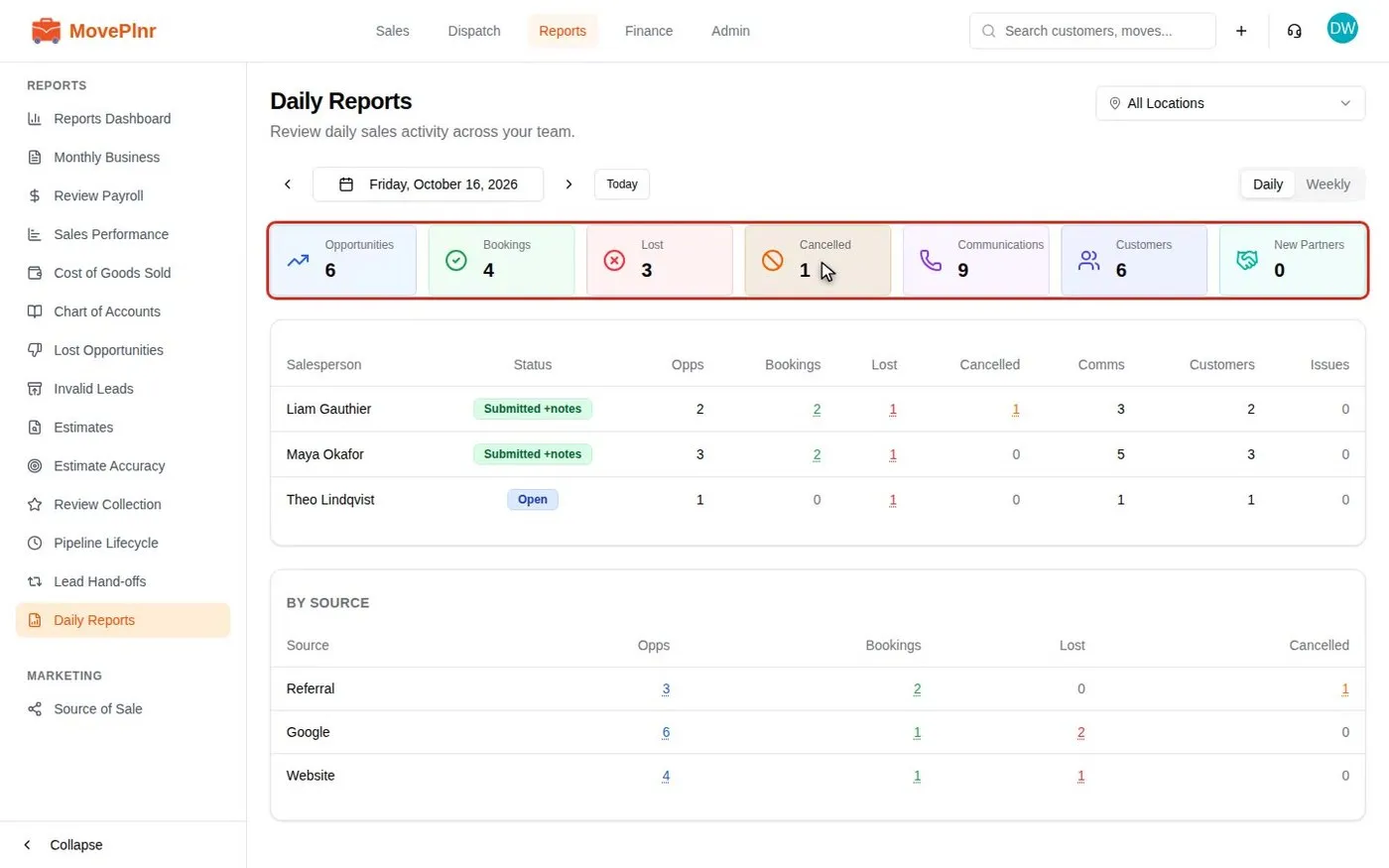 2:35 Read your daily and monthly reports Read the Daily Reports dashboard for your sales team, drill into each number, have reps submit end-of-day notes, read the Monthly Business Report, and put your sales numbers on the office TV. For owners, sales reps and office admins.
Every day
The jobs you will repeat.
- Run payroll and pay your crews Finance · 3:26
- Calls, texts and email in the Inbox Inbox · 3:49
- Message your team in direct and group chats Inbox · 2:48
- Messenger, Instagram and social posts Marketing · 2:59
- Create, assign and track office tasks Profile · 3:02
- Read the Sales Performance report Reports · 2:54
- Build and send estimates Sales · 3:27
- Build contracts and collect signatures Sales · 3:28
- Work your sales pipeline Sales · 3:33
- Coach your sales team with Sales Coaching Sales · 2:57
- Send quote pages customers sign and pay Sales · 3:55
- Sell supply packages on estimates Sales · 2:23
When something comes up
Bookmark these for a bad day.
- Run delivery routes and combine invoices Dispatch · 3:50
- Read stage timing and set custom timers Dispatch · 3:15
- Offer, book and bill storage Finance · 4:40
- Pay recruiter bonuses Finance · 3:28
- Book packing and moving days as one bundle Sales · 2:26
Set up once
Usually an admin's job. Check it is done.
- Set up move stages and their steps Admin · 3:48
- Set up truck groups Admin · 3:15
- Share and copy templates across branches Admin · 4:27
- Connect Claude to MovePlnr Company settings
- Connect your integrations and add-ons Company settings · 3:30
- Access presets and the Access checker Company settings · 4:02
- Set up your company basics Getting started · 3:43
- Start in the app after you sign up Getting started · 3:03
- Add a lead form to your website Marketing · 4:16
- Ask for reviews and track them Marketing · 3:12
- Set up lead source attribution rules Marketing · 4:28
- Connect Google Ads and read the Performance report Marketing · 3:09
- Connect YouTube and upload videos Marketing · 3:22
- Connect Meta lead ads and read the Meta Ads report Marketing · 3:39
- Bring Local Services Ads leads into New Business Marketing · 2:24
- Set up your notifications Profile · 2:39
- Set up pipeline follow-ups Sales · 3:35
Coming soon
- Your first move, start to finish Take one real customer through a quote, a booking and a paid invoice.
- Set up your branches Add your other locations and give each one its own team, trucks and settings.
- Review the agreement customers sign Read the moving agreement your quote pages ask customers to sign, make the terms your own and publish your version.
- Reconcile your bank and payouts Connect a bank feed, match your Stripe payouts and work the settlement queue until every deposit is accounted for.
- Sync your books with QuickBooks Online Connect QuickBooks, map your accounts, items and taxes, and see what MovePlnr sends and what to do when a sync fails.
Not your role?
- Office admin
- Dispatcher
- Sales
- Crew
- Yard
- Estimator
- HR
- Partner
- Marketing
- Finance
- All of the Help Centre
Can't find what you need? Email hello@moveplnr.com and tell us which screen you are on.