
Start here
Your first week as a finance manager or bookkeeper
You keep the money side straight: deposits and balances collected, refunds, payroll, and the books. Your first week covers taking payments and closing moves, then running payroll.
Start here, in this order
4 short guides, about 7 minutes of video in all.
- Step 1
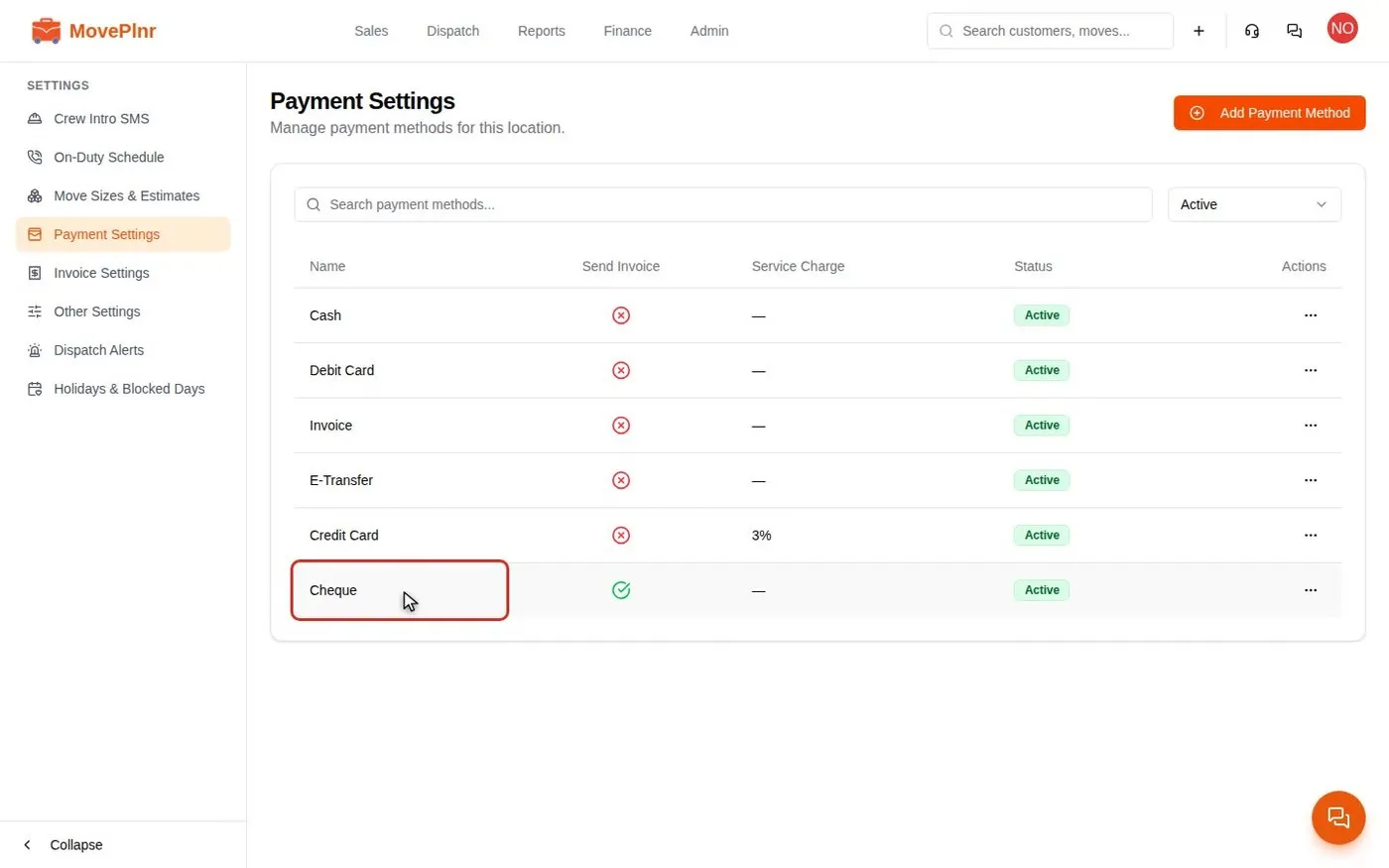 3:35 Take payments and close a move Collect a deposit, close a finished move with hours, discounts and payments, add card service charges, and track and refund payments in MovePlnr. For office admins, owners and dispatchers.
- Step 2
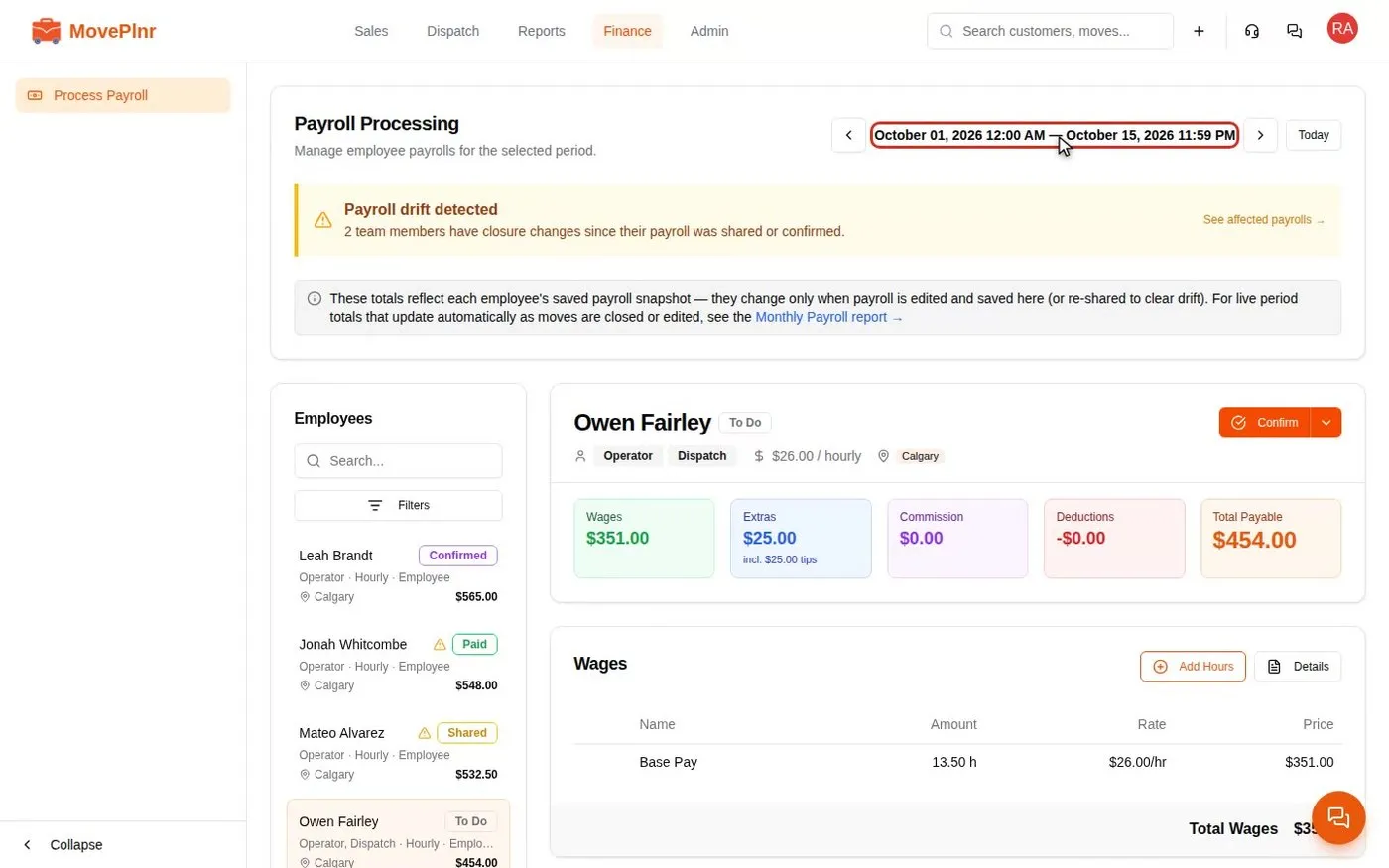 3:26 Run payroll and pay your crews Process a pay period in MovePlnr: check each person's wages, tips and holiday pay, approve reported hours, share, confirm and mark payroll paid, and fix drift when a closed job changes. For owners, office admins and HR.
- Step 3 Reconcile your bank and payouts Connect a bank feed, match your Stripe payouts and work the settlement queue until every deposit is accounted for. Guide on the way
- Step 4 Sync your books with QuickBooks Online Connect QuickBooks, map your accounts, items and taxes, and see what MovePlnr sends and what to do when a sync fails. Guide on the way
Every day
The jobs you will repeat.
- Take in-person payments with a card reader Finance · 2:58
When something comes up
Bookmark these for a bad day.
- Offer, book and bill storage Finance · 4:40
- Pay recruiter bonuses Finance · 3:28
- Offer customers financing Finance · 2:56
Not your role?
Can't find what you need? Email hello@moveplnr.com and tell us which screen you are on.