
Dispatch guides
Every guide for the Dispatch part of MovePlnr.
 ▶ Video · 3:50
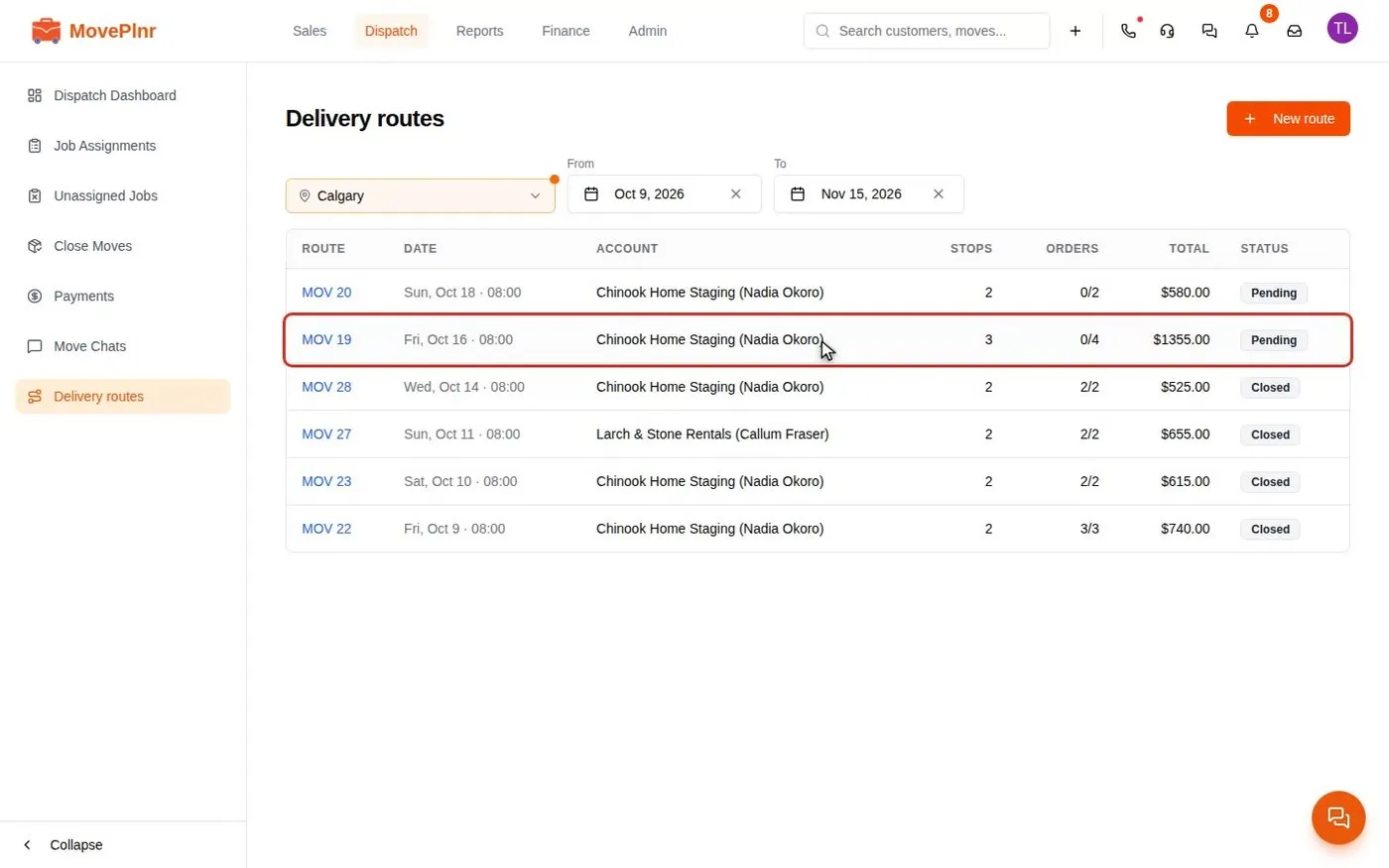
Run delivery routes and combine invoices
Plan a delivery route with stops and orders, close it from its orders, and bill a trade account's routes on one combined invoice, by hand or on a weekly or monthly cycle. For dispatchers, owners and office admins.
Watch and read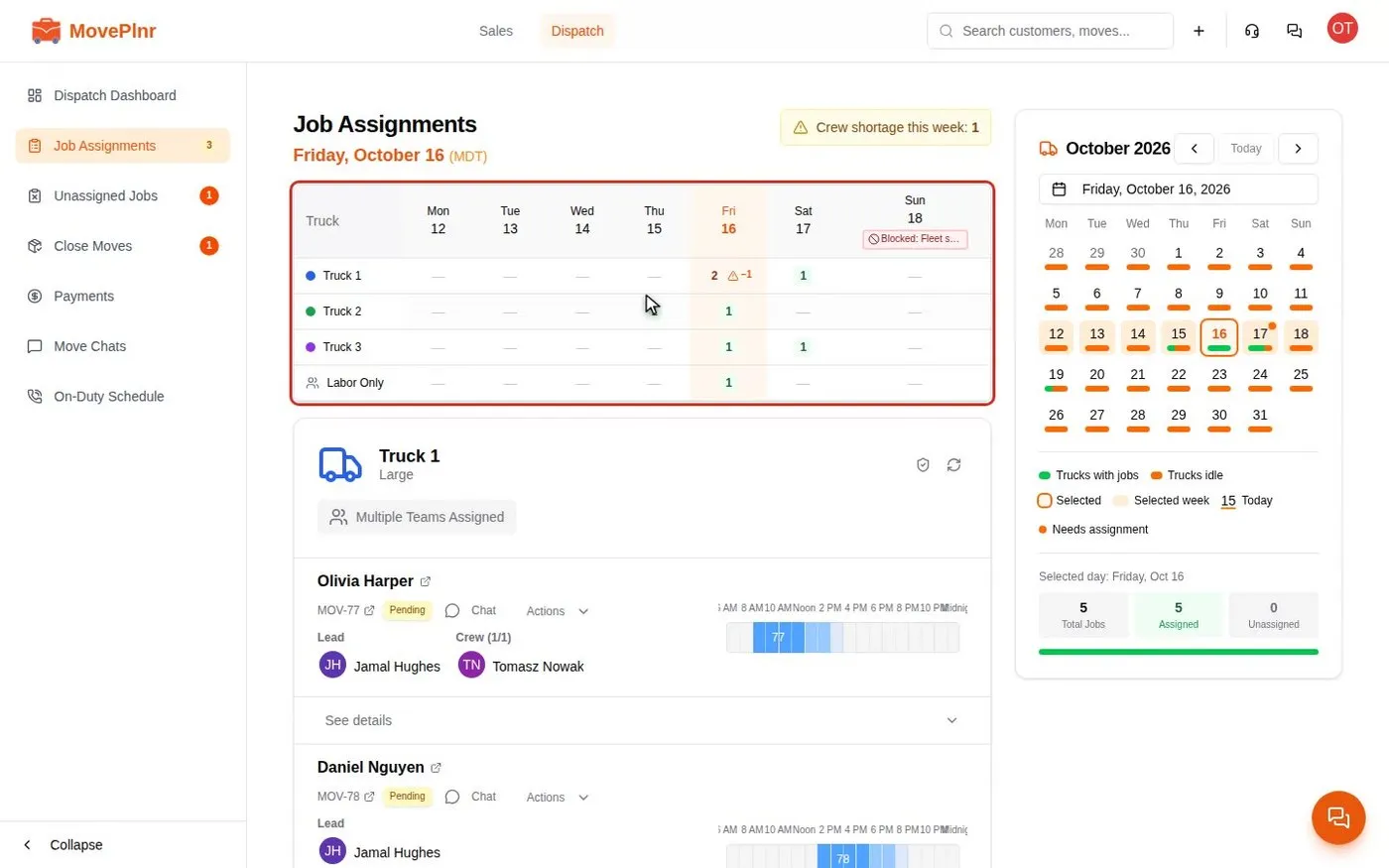 ▶ Video · 2:00
Plan the day on the Dispatch board
Read the week on Job Assignments, block a day with a reason, add a mover to several jobs at once, plan multi-day and labor-only jobs, and follow each truck's day on the Dispatch Dashboard. For dispatchers, office admins and crew leads.
Watch and read ▶ Video · 4:07
Assign crews and confirm them by text
Hold crew changes in a publishing window, text every mover to confirm, see who said yes, avoid double booking, and introduce the crew to the customer by text. For dispatchers, office admins and crews.
Watch and read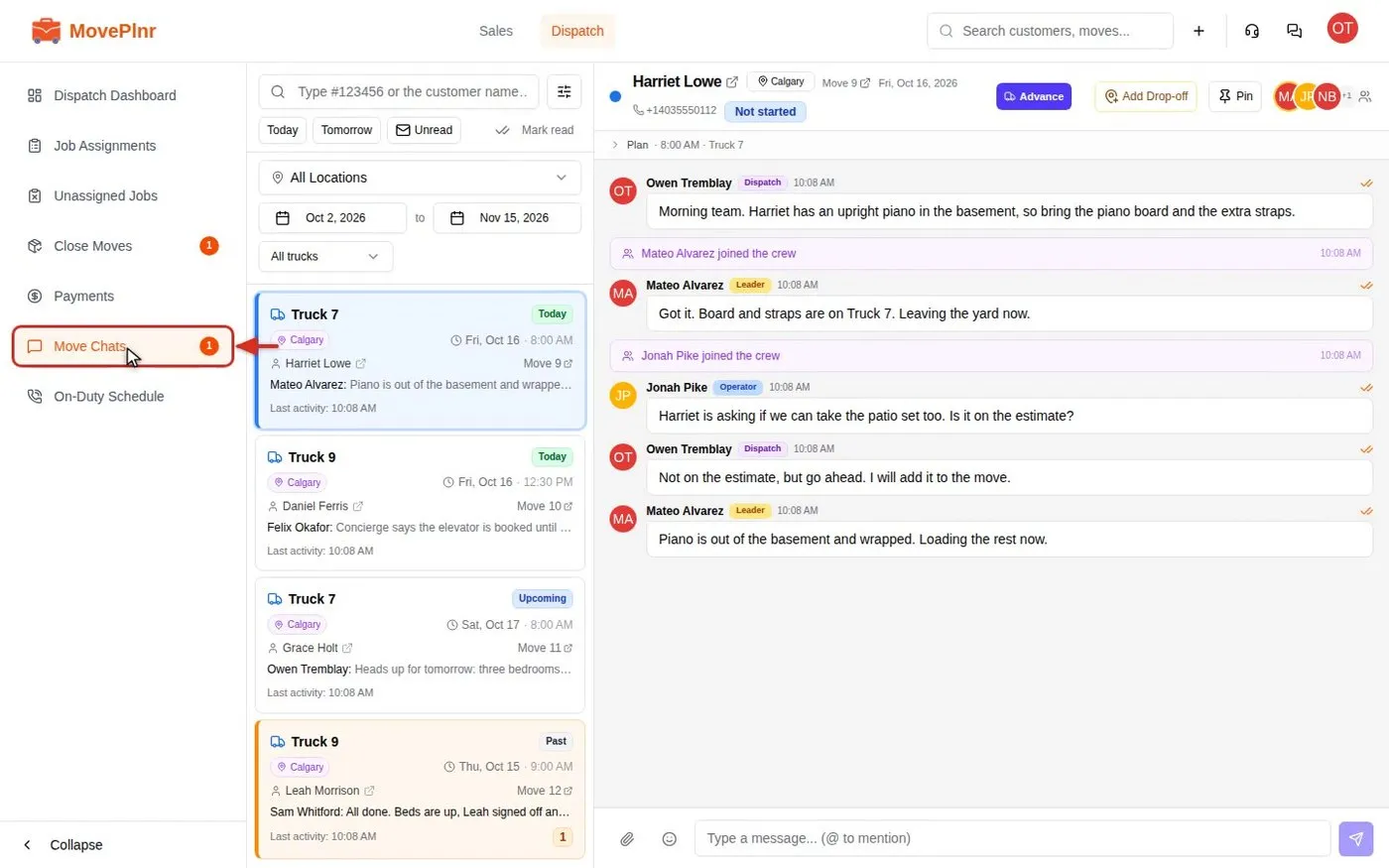 ▶ Video · 2:41
Chat with your crews in move chats
Every job in MovePlnr has its own chat for dispatch, the crew and the office. Find a chat, mention people, reply, react, check who read what, and post a kick-off card. For dispatchers, crews and office admins.
Watch and read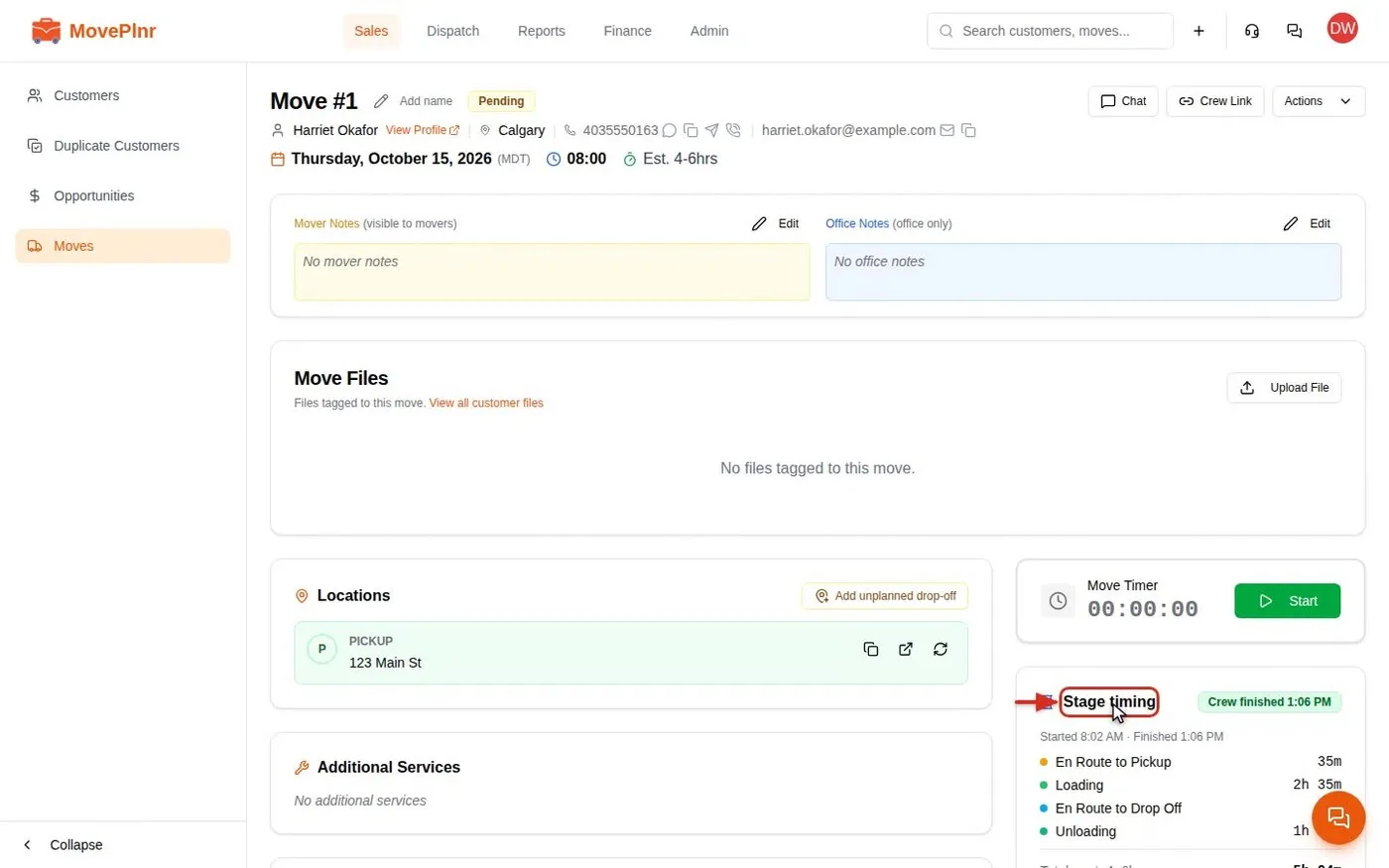 ▶ Video · 3:15
Read stage timing and set custom timers
See how long each stage of a move took, per truck, next to the hours you quoted, and set custom timers for the stretches of a job you care about. For office admins and owners, with a short video.
Watch and read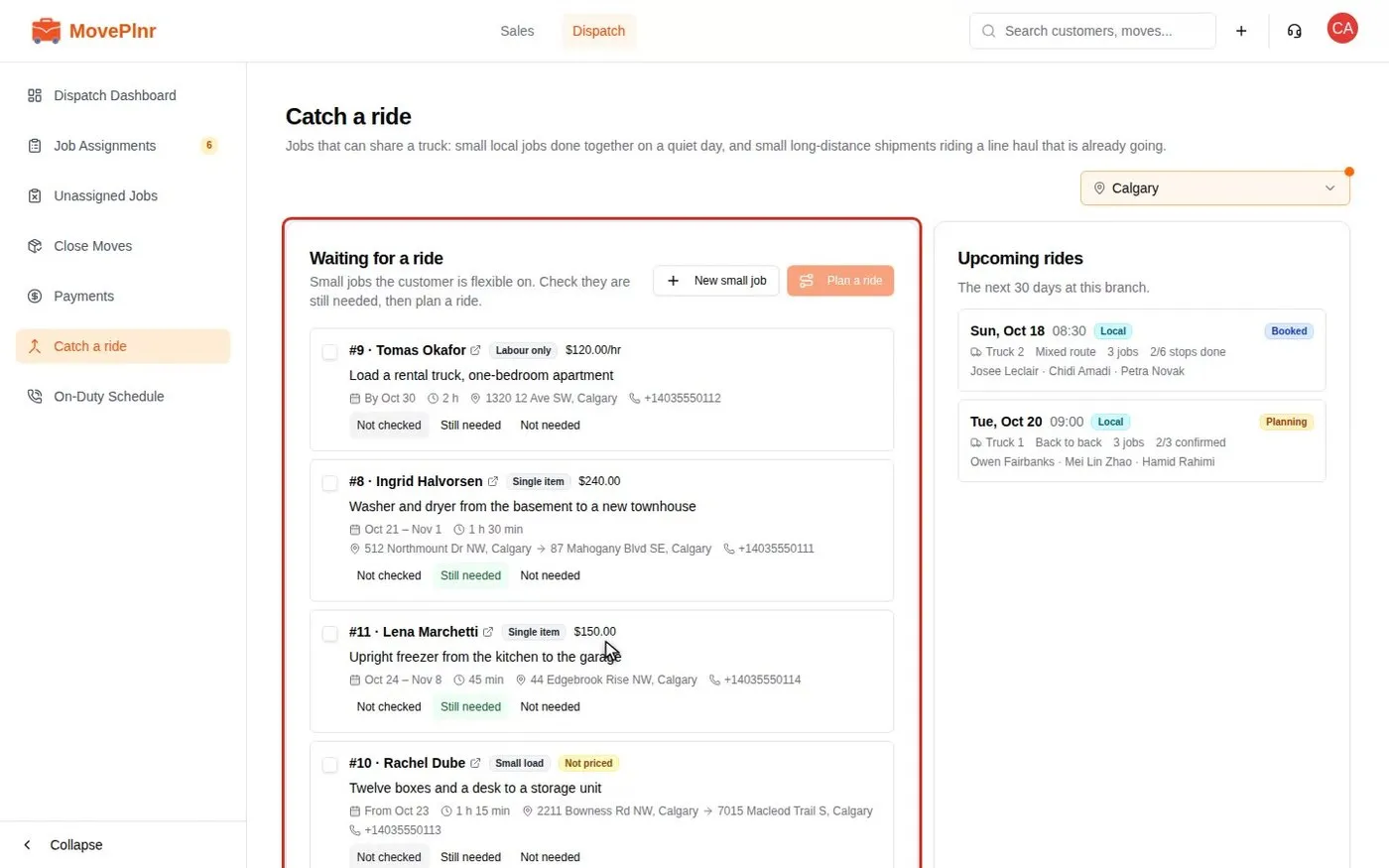 ▶ Video · 3:52
Plan small local jobs into rides
Put small local jobs in the Catch a ride pool at a flat price or by the hour, check each customer still needs the job, gather several onto one truck for a quiet day, book the whole ride with a contract for each customer, and move it to another truck. For dispatchers and sales reps.
Watch and read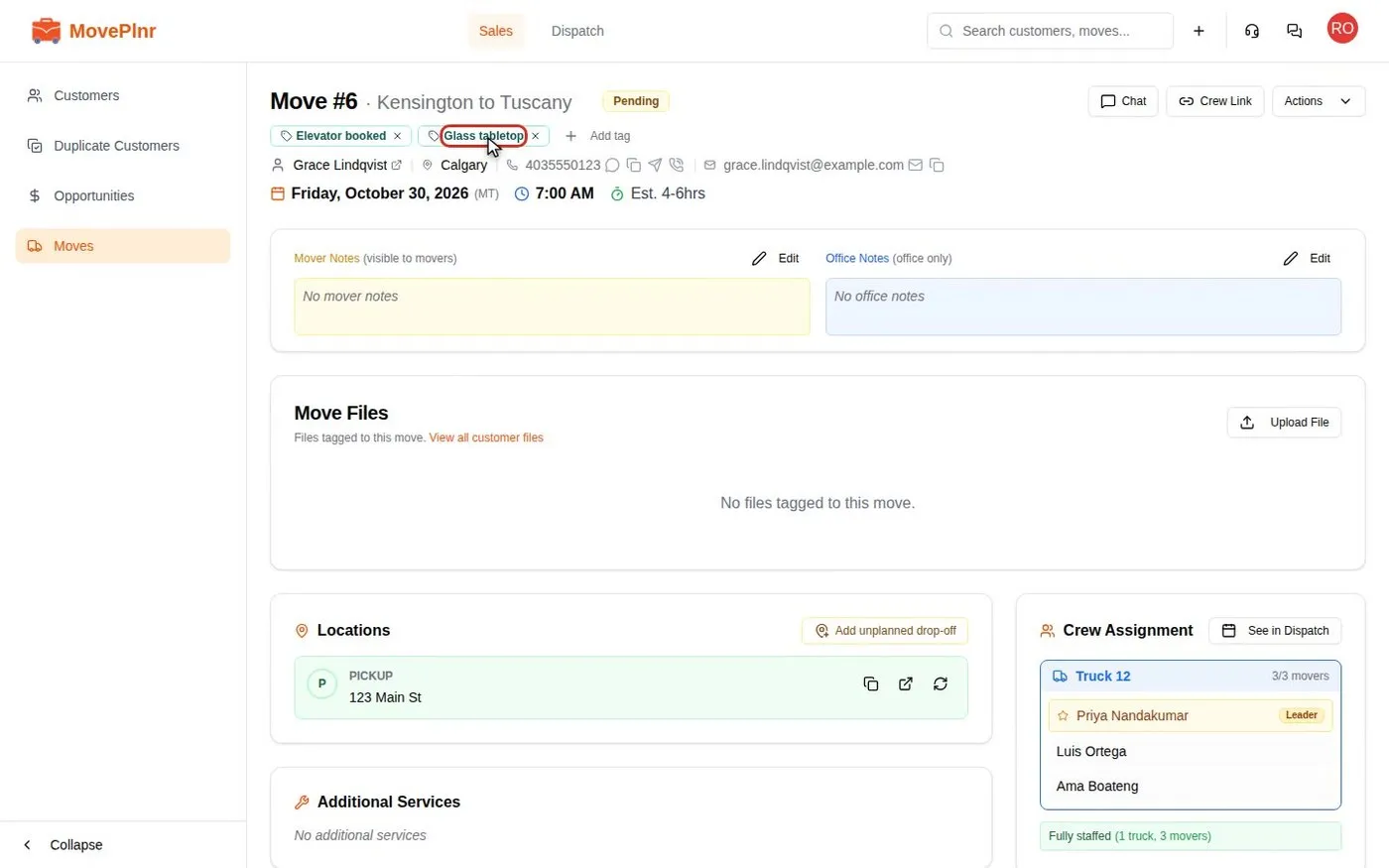 ▶ Video · 2:13
Tag moves and filter by tag
Put short tags like Piano or Elevator booked on any move, find every tagged move from the Moves list or search, and see the tags on the dispatch board and the crew's move page. For dispatchers, sales reps, office admins and crew leads.
Watch and read