
Finance guides
Every guide for the Finance part of MovePlnr.
 ▶ Video · 3:35
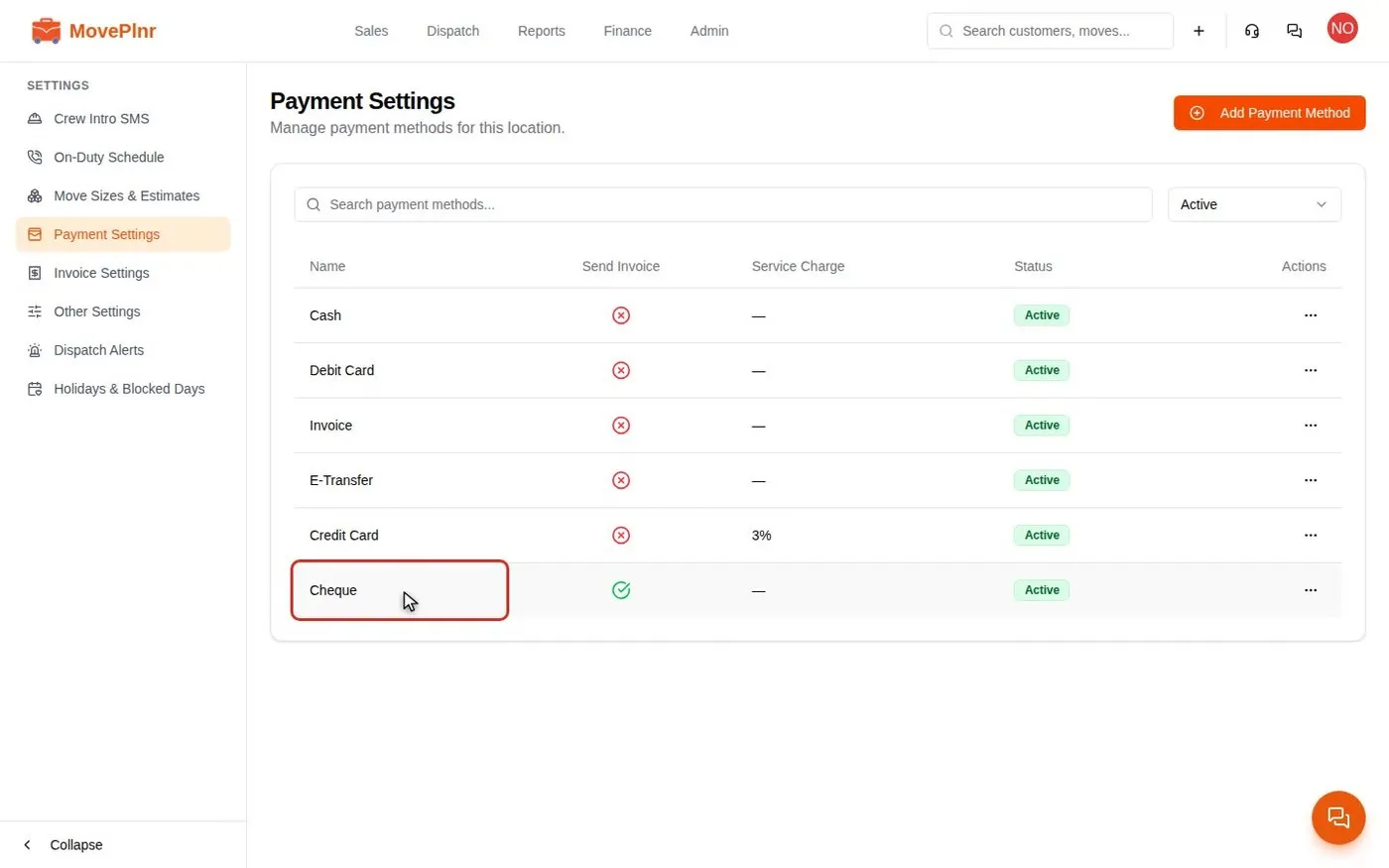
Take payments and close a move
Collect a deposit, close a finished move with hours, discounts and payments, add card service charges, and track and refund payments in MovePlnr. For office admins, owners and dispatchers.
Watch and read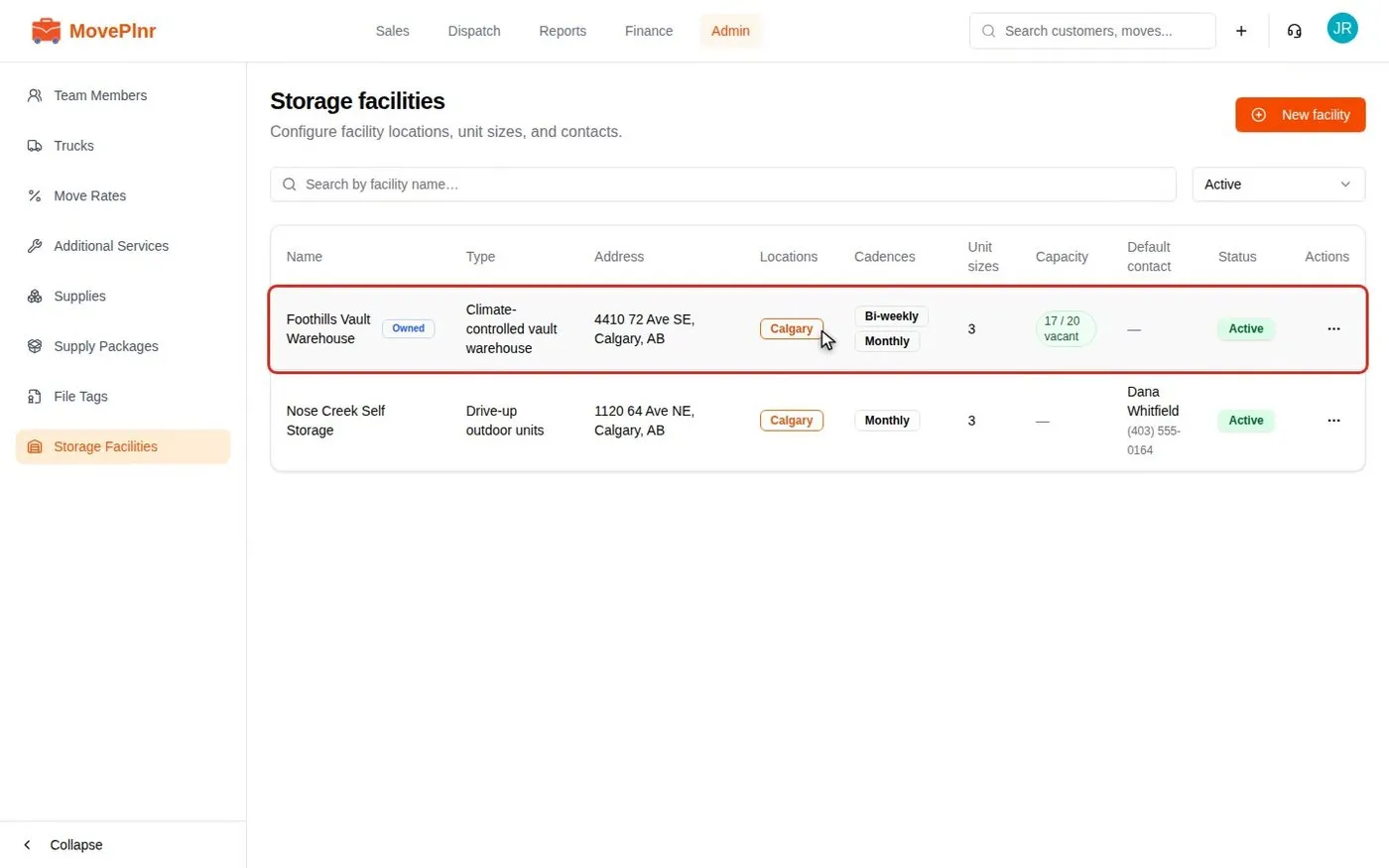 ▶ Video · 4:40
Offer, book and bill storage
Set up your storage facilities, quote storage on a move, activate the booking, record payments and invoices, place goods in a vault and release it at the end. For office admins and owners.
Watch and read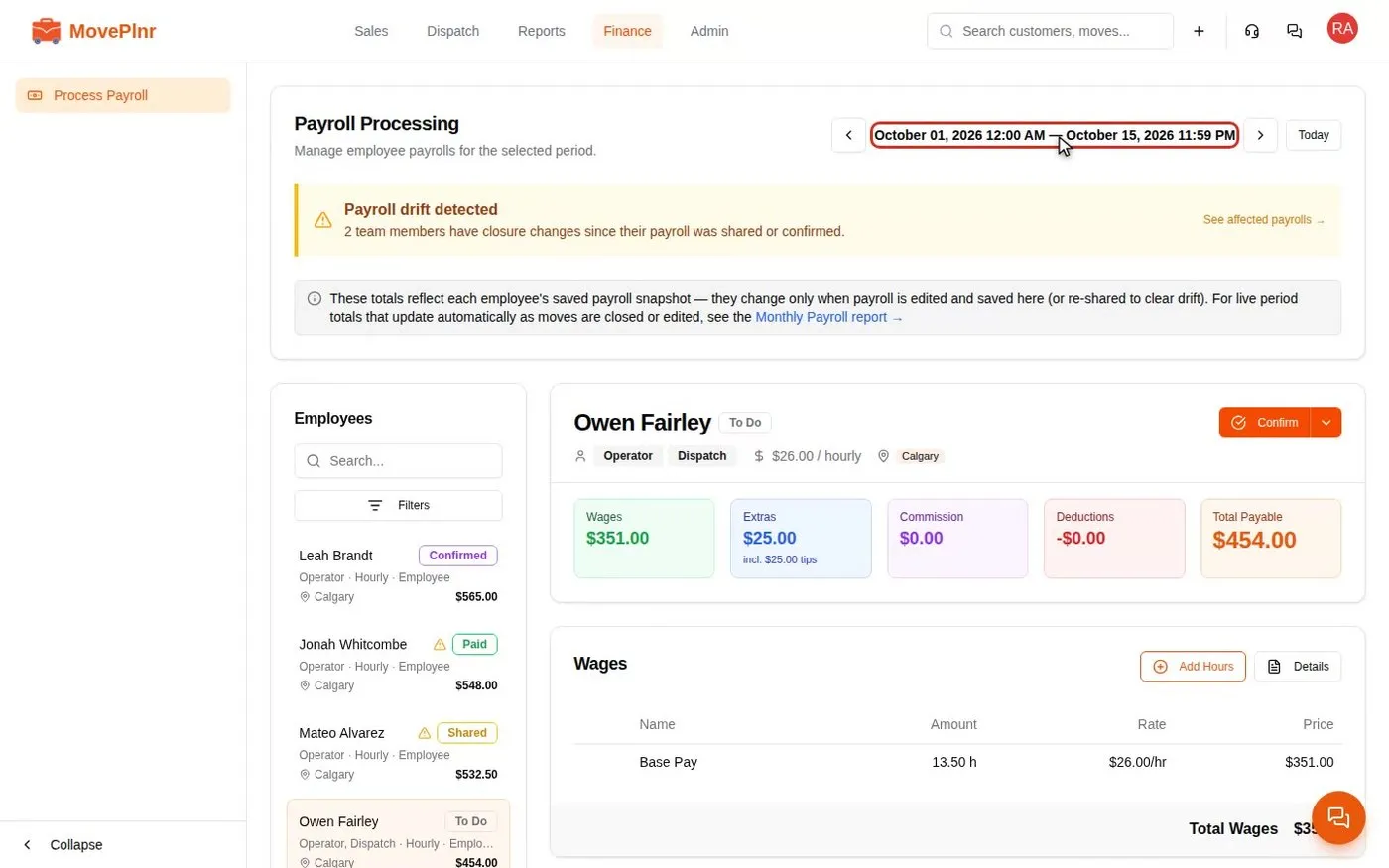 ▶ Video · 3:26
Run payroll and pay your crews
Process a pay period in MovePlnr: check each person's wages, tips and holiday pay, approve reported hours, share, confirm and mark payroll paid, and fix drift when a closed job changes. For owners, office admins and HR.
Watch and read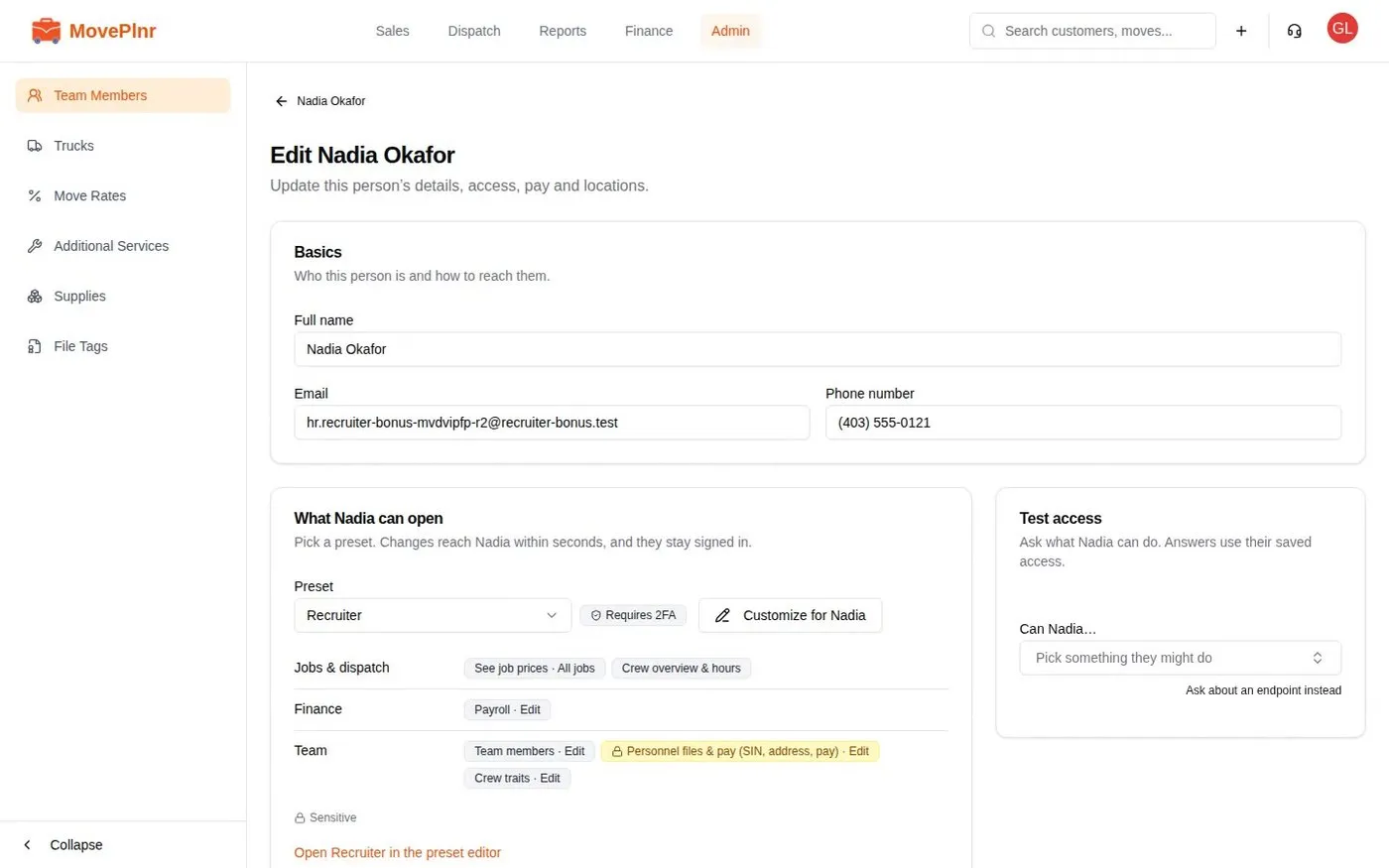 ▶ Video · 3:28
Pay recruiter bonuses
Set up a recruiter bonus in MovePlnr: pay the team member with the Recruiter duty a one-time amount each time someone they hired reaches a worked-hours milestone. Set the levels, credit the recruiter, read and override the bonus on payroll. For owners and office admins.
Watch and read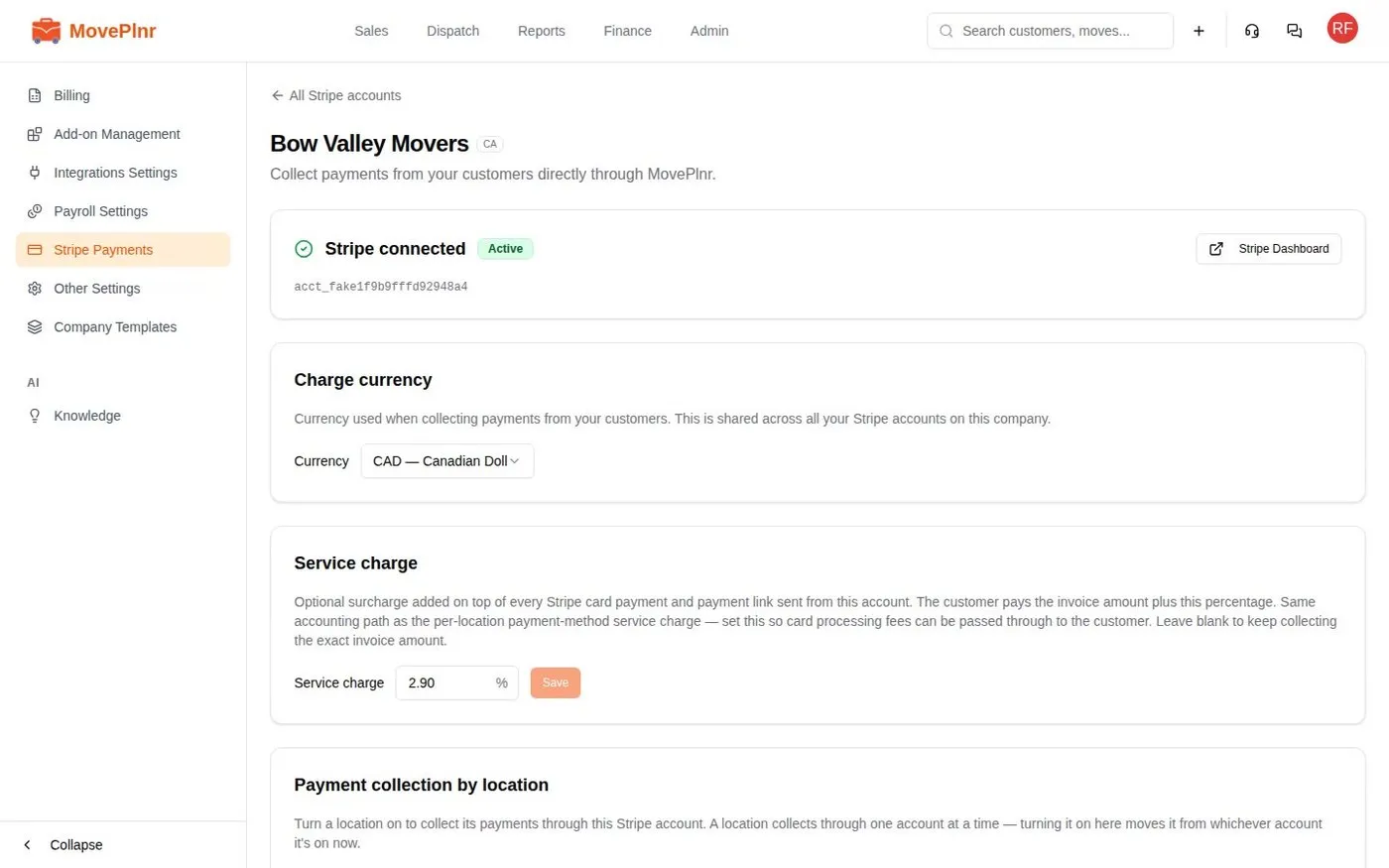 ▶ Video · 2:58
Take in-person payments with a card reader
Pair a Stripe card reader to a location, send a move's balance or deposit to it, and see the tap recorded on the move. For office admins and dispatchers.
Watch and read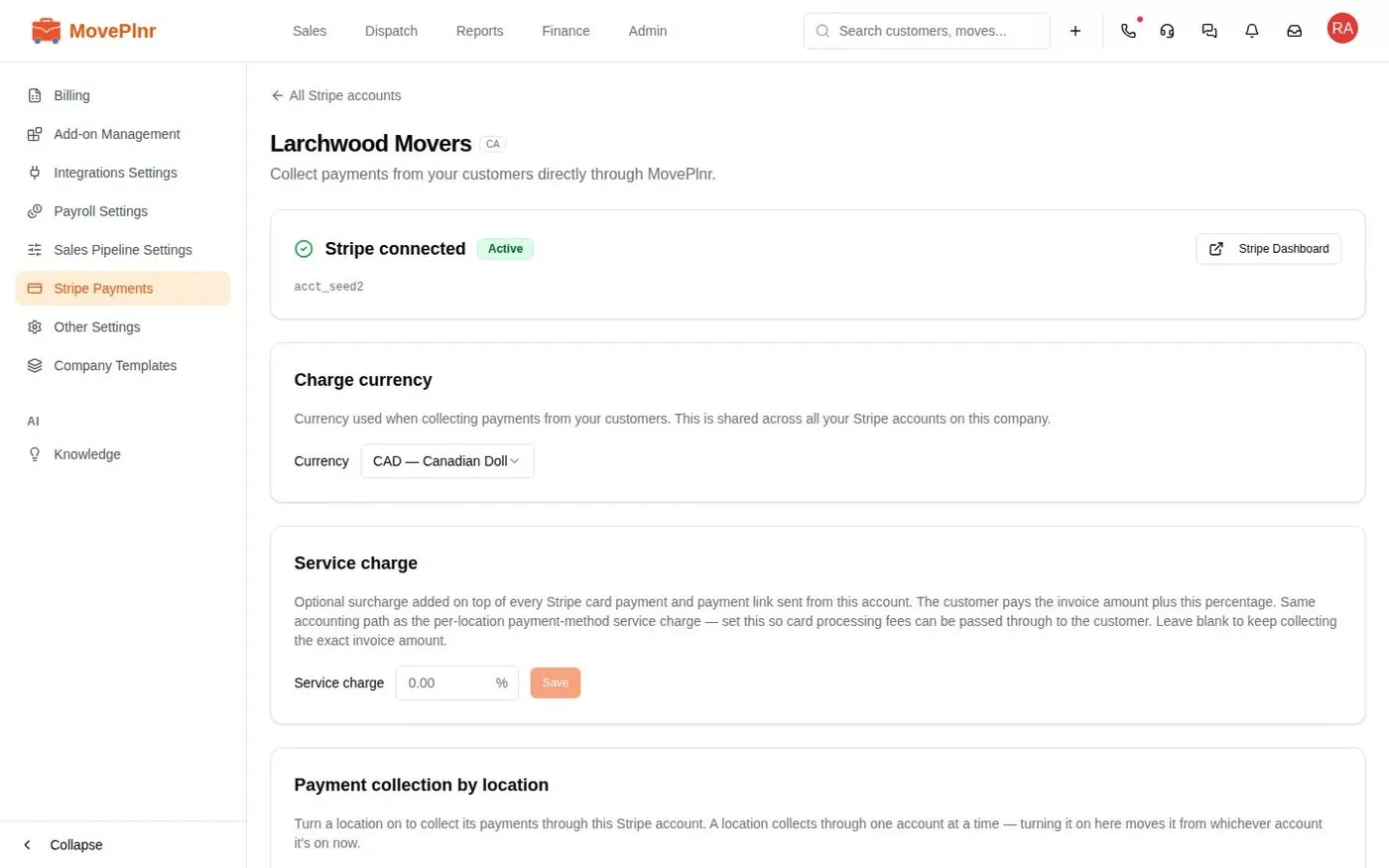 ▶ Video · 2:56
Offer customers financing
Turn on Klarna and Affirm for a location, send a customer a financing application before the move, follow it to approval and capture the final bill after the move. For office admins and sales reps.
Watch and read